




Repair
Call for price
Purchase
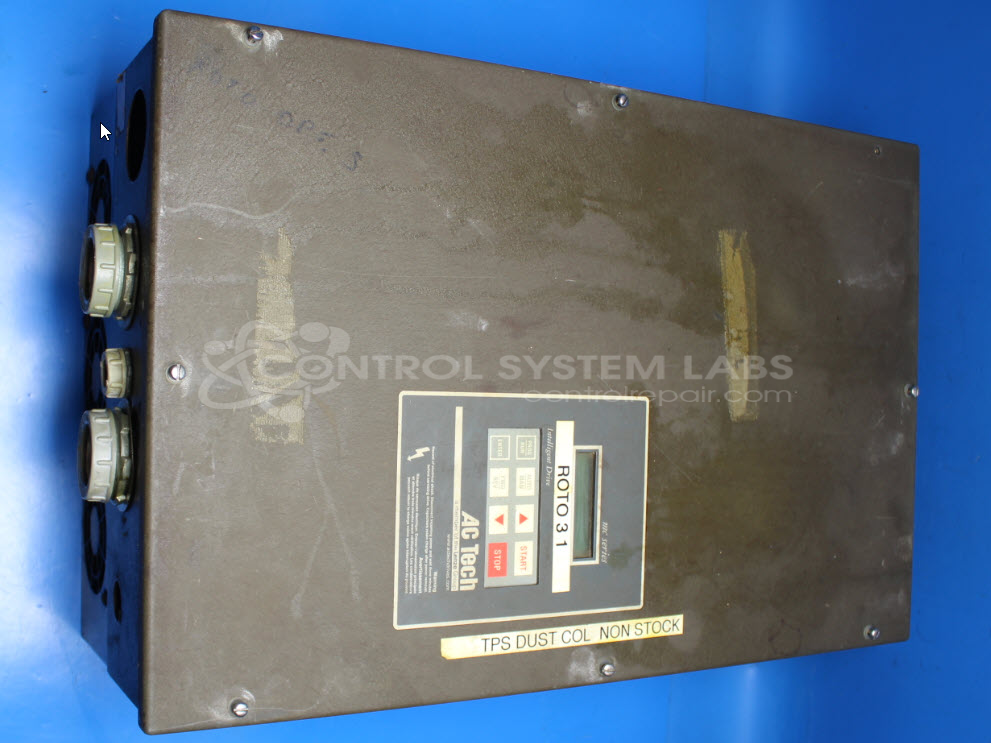
CSL Part Number: 85715
Category: AC Motor Controls
Manufacturer: AC Technology
Manufacturer Synonyms: AC Tech Lenze ACTech
Manufacturer Part Number: M14500D
Series: MC1000 Series AC Drive
Common Failures
Common issues reported with this product include the drive not starting with a blank display and drive faults due to overheating. Customers have noted intermittent voltage issues, resulting in the display either not showing a clear image or being difficult to read. Another frequent symptom is the display being backlit without rendering any usable image.
Repair Approach
Repairs have focused on addressing overheating and power supply issues. Inspections revealed that several capacitors and zener diodes were out of specification or damaged, often contributing to power issues. The CPU and LCD display components were also occasionally replaced due to malfunctioning. Efforts included replacing overheated components and ensuring proper voltage delivery across the system.
Testing & Quality
After repairs, testing involved confirming the correct voltage outputs and functionality of the display. In cases where damage was extensive or could not be reproduced, units were evaluated and quoted or returned unrepaired as appropriate. Such situations involved significant power board damage or internal PCB issues that could not be traced during evaluation.
Service and repair your broken AC Technology part
We can repair your AC Technology model M14500D in our facility. Let our skilled technicians get your AC Technology back in operation quickly.
Step 1 - Click the green 'Repair Now' button above to add the part and then complete the RMA.
Step 2 - The RMA form will be sent to you via email. Print the RMA form and put it in a box with the item(s) for repair.
Step 3 - Ship or mail the box to the address listed on the RMA.
Once the user has seen at least one product this snippet will be visible.