



Repair
Repair Price: $ 1,084.00
Purchase
CSL Part Number: 87143
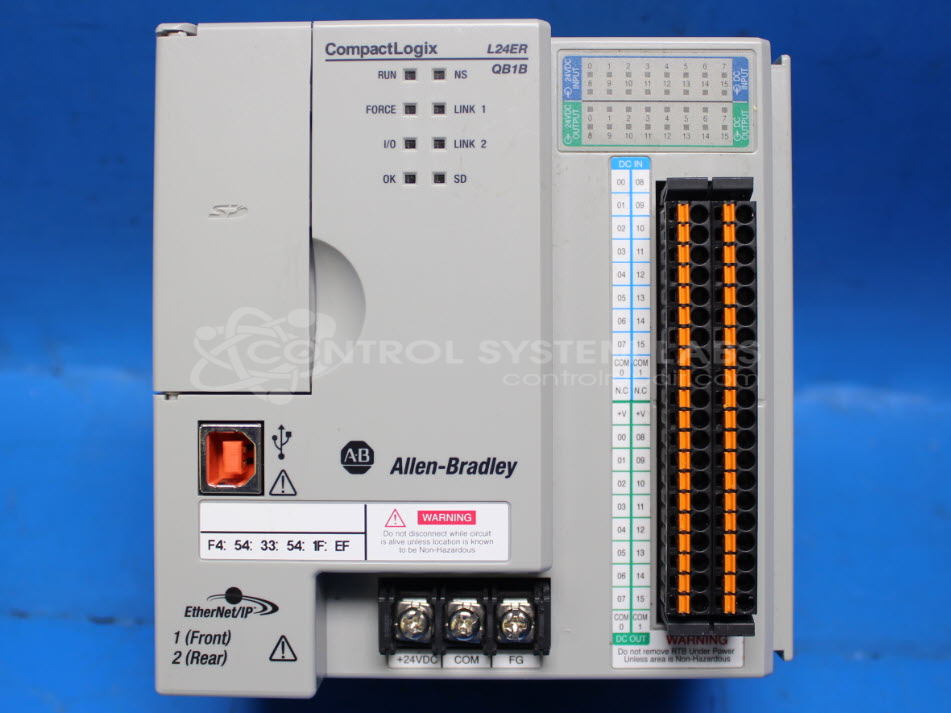
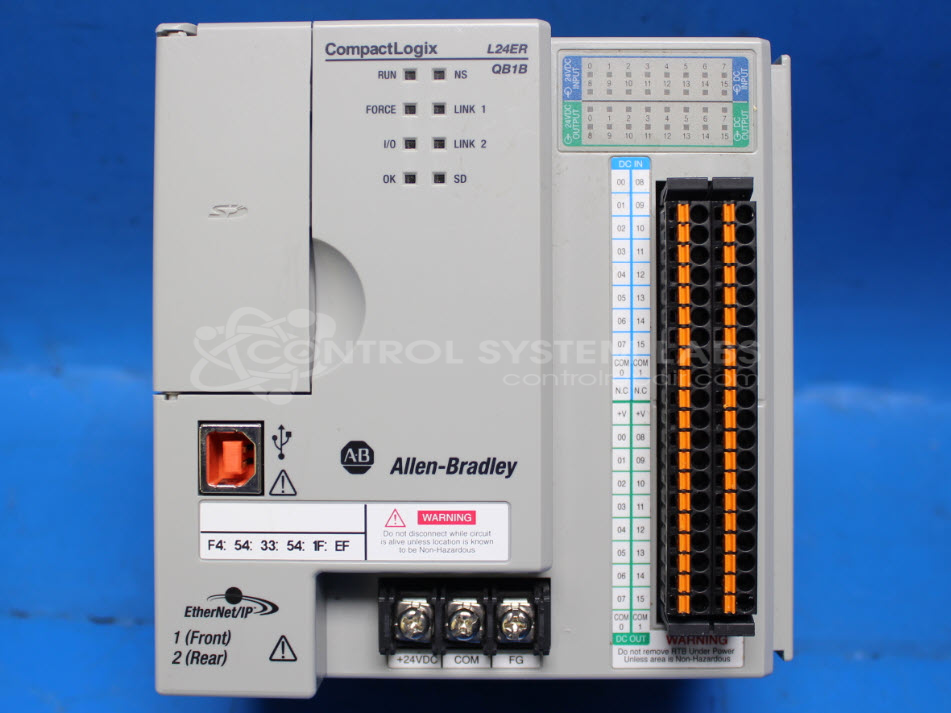
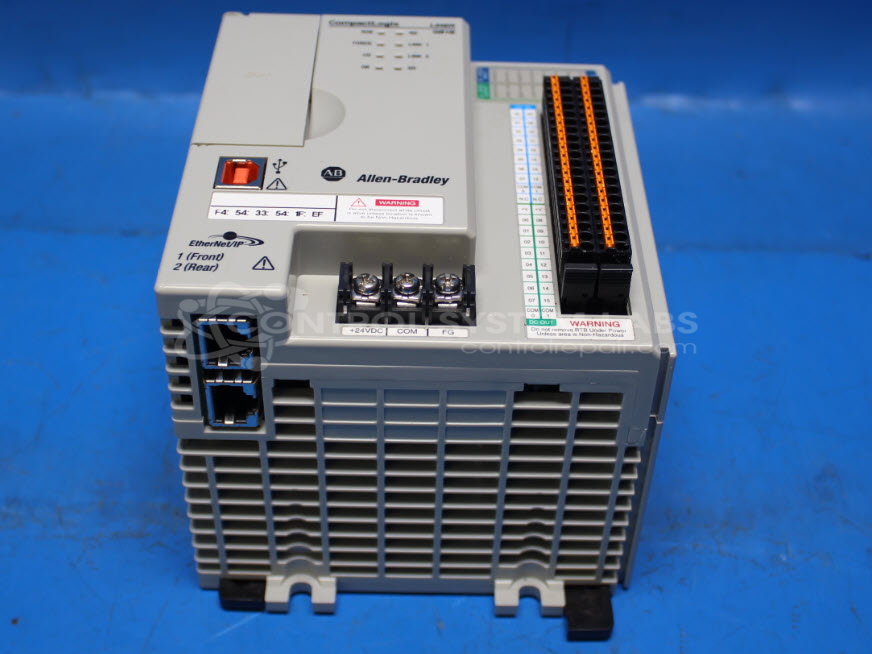
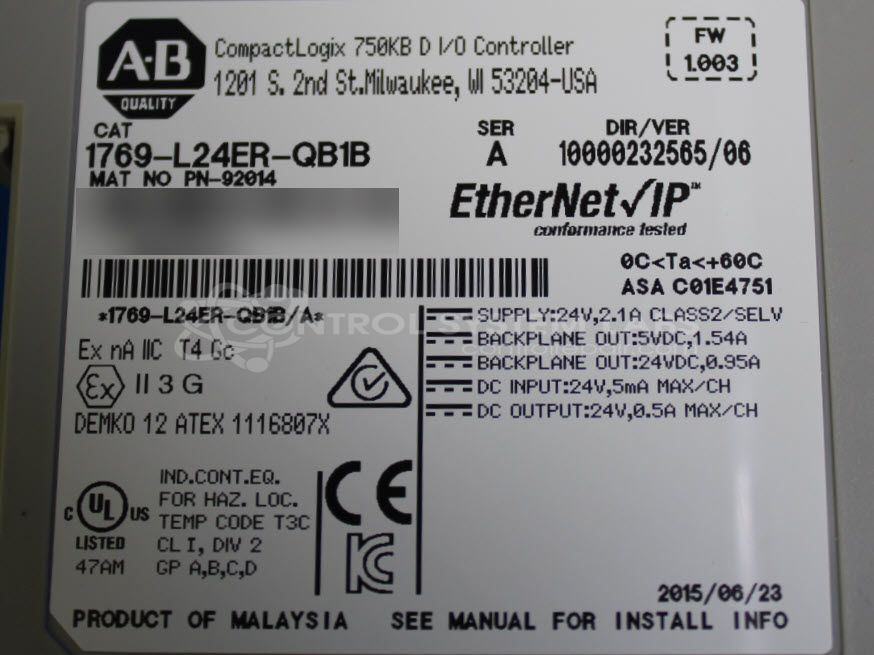
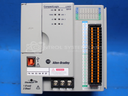
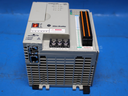
Product Overview: The CompactLogix 5370 L2 Controller is a compact programmable logic controller used for automated manufacturing, process control, and machine operations. Part of Allen-Bradley's 1769 series, it features 750KB of memory for program and data storage, integrated Ethernet communications, and embedded digital I/O. The controller mounts on a DIN rail with other 1769 I/O modules to create distributed control systems. It supports Studio 5000 programming software and uses SD memory cards for program backup and transfer.
Category: PLC
Manufacturer: Allen Bradley
Manufacturer Synonyms: Rockwell Automation, allan bradly
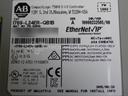
Manufacturer Part Number: 1769-L24ER-QB1B
Series: 1769 CompactLogix / Compact I/O PLC
Common Failures
This product has experienced failures that may include power supply issues, short circuit conditions, and communication difficulties. Symptoms can include failure to power up properly, the unit shutting down shortly after initial power-on, and issues with input functionality or communication initiation.
Repair Approach
We evaluate each unit individually to determine repairability. In some cases, data preservation may be possible by copying information from the memory card before further evaluation. Our technicians perform a thorough inspection and can address hardware issues where feasible. Once the unit is received and reviewed, we can provide a quotation before any repair work begins.
Service and repair your broken Allen Bradley part
We can repair your Allen Bradley model 1769-L24ER-QB1B in our facility. Let our skilled technicians get your Allen Bradley back in operation quickly.
Step 1 - Click the green 'Repair Now' button above to add the part and then complete the RMA.
Step 2 - The RMA form will be sent to you via email. Print the RMA form and put it in a box with the item(s) for repair.
Step 3 - Ship or mail the box to the address listed on the RMA.
Once the user has seen at least one product this snippet will be visible.