





Repair
Repair Price: $ 664.00
Purchase
CSL Part Number: 33670
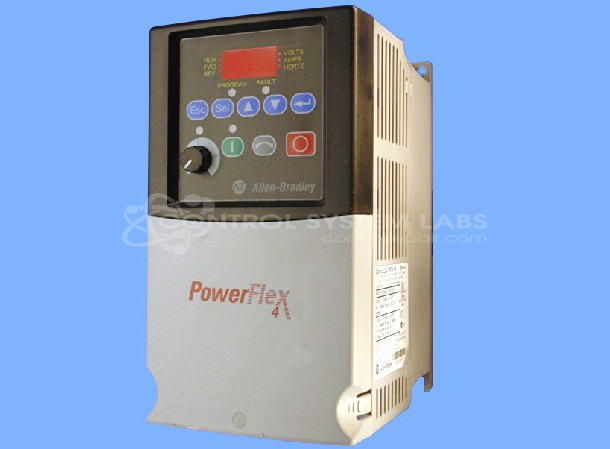
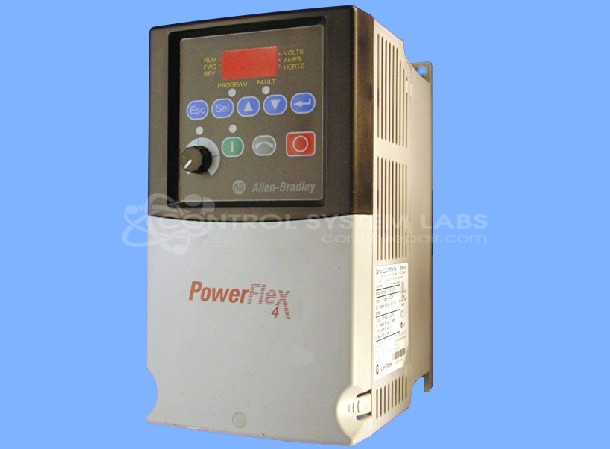
Product Overview: The Allen-Bradley PowerFlex 4 22A-D6P0N104 is a 3 HP AC variable frequency drive designed for 480VAC three-phase input power. It controls the speed and torque of three-phase AC induction motors in industrial applications such as conveyors, fans, and pumps. This Series A unit features adjustable frequency output, basic programming capabilities, and compact design for space-constrained installations. It provides motor control from 0 to 60 Hz with overload protection and fault diagnostics. The drive is commonly used in manufacturing, material handling, and HVAC systems where simple motor speed control is required.
Category: AC Motor Controls
Manufacturer: Allen Bradley
Manufacturer Synonyms: Rockwell Automation, allan bradly
Manufacturer Part Number: 22A-D6P0N104 SER. A
Series: PowerFlex 4 AC Drive
Common Failures
Customers have reported issues with the product's display not lighting up and the drive not functioning when powered on. In some cases, a recurring fault code appears, resetting to the same fault upon startup.
Repair Approach
We can evaluate the unit to identify the root cause. Common findings have included issues with capacitors on the power supply board. Our repair process involves replacing identified defective components and addressing related components that may affect long-term reliability. Once the unit is received and reviewed, we can provide a quotation before any repair work begins.
Testing & Quality
Following repairs, units undergo testing to verify functionality and stability. Our process includes appropriate burn-in procedures and quality checks to confirm that the unit is serviceable. We document our repair work for quality assurance purposes.
Service and repair your broken Allen Bradley part
We can repair your Allen Bradley model 22A-D6P0N104 SER. A in our facility. Let our skilled technicians get your Allen Bradley back in operation quickly.
Step 1 - Click the green 'Repair Now' button above to add the part and then complete the RMA.
Step 2 - The RMA form will be sent to you via email. Print the RMA form and put it in a box with the item(s) for repair.
Step 3 - Ship or mail the box to the address listed on the RMA.
Once the user has seen at least one product this snippet will be visible.