



Repair
Repair Price: $ 1,960.00
Purchase
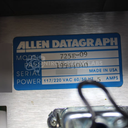
CSL Part Number: 87511
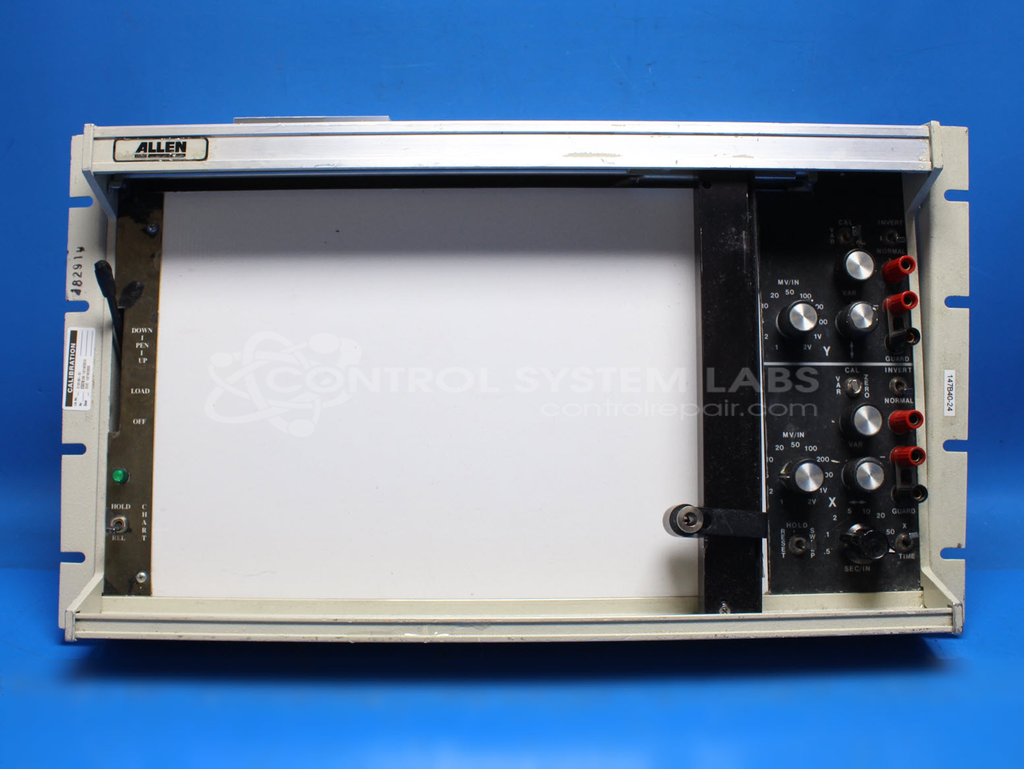
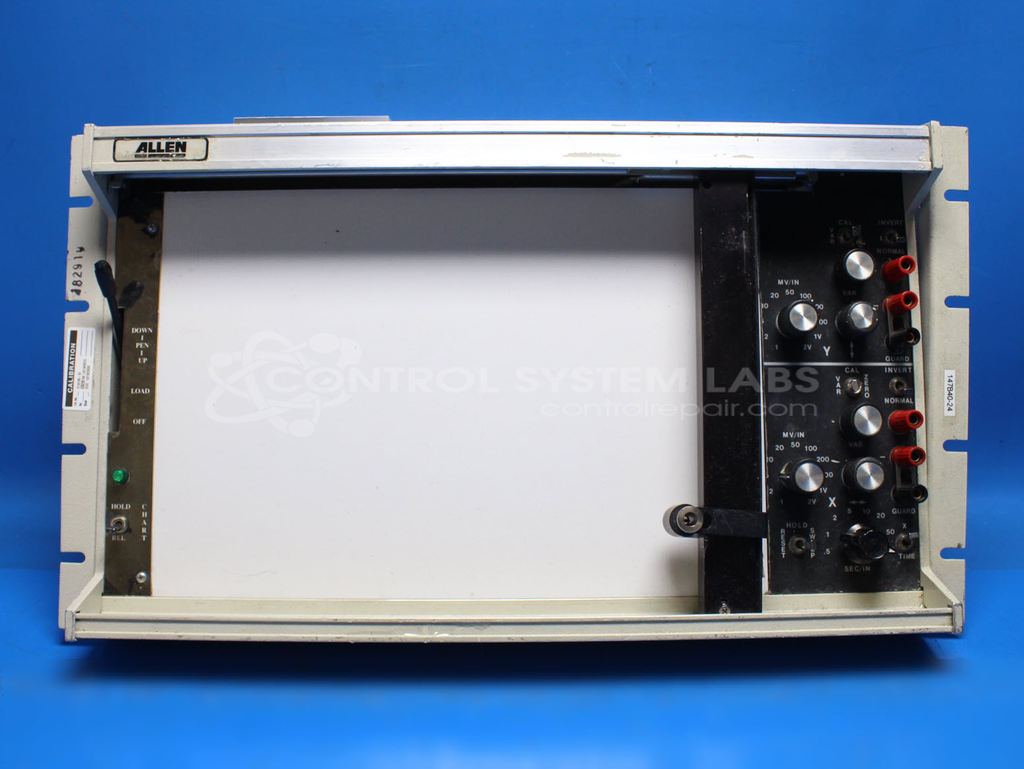
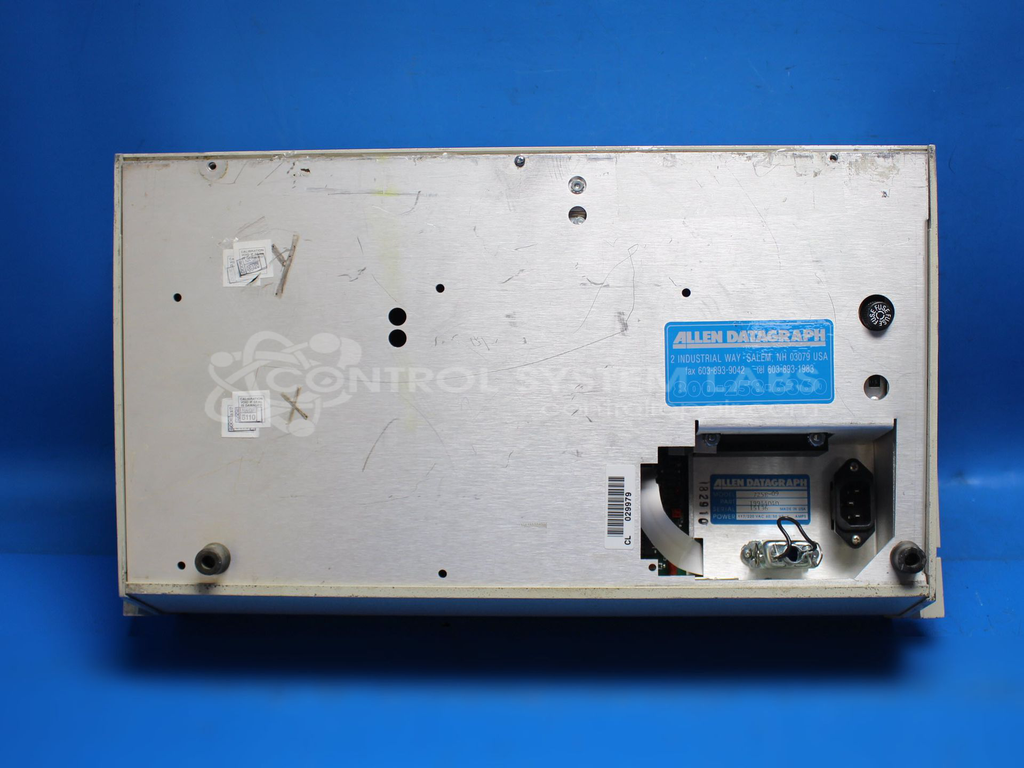
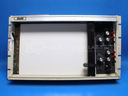
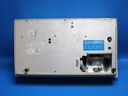
Product Overview: The Allen Datagraph System 725E-09 is an X-Y chart recorder that plots two analog input signals on paper in real time. It uses a pen-and-carriage mechanism to trace continuous curves, commonly applied in quality control, process monitoring, and laboratory testing where visual trend documentation is required. The unit features multiple voltage scales for both X and Y axes, typically calibrated in volts per inch. Key mechanical components include precision bearings, axis guide bars, and a pen drop mechanism controlled by timer circuitry.
Category: Chart Recorder / Data Logger
Manufacturer: Allen Datagraph System LLC
Manufacturer Synonyms: ADSI
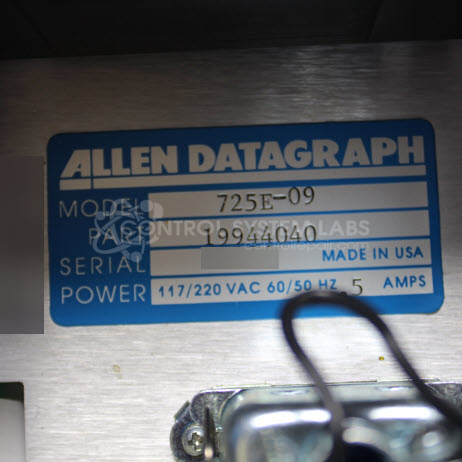
Manufacturer Part Number: 725E-09
Also Known As(AKA): 19944040
Common Failures
The evaluation identified a loose X-axis guide bar and a bent pen drop bar affecting pen operation. A faulty timer chip and worn bearings were also noted as contributing factors to the unit's performance issues.
Repair Approach
The repair process involved mechanical disassembly and reassembly of affected components. A defective timer chip was replaced, connections were resoldered as needed, and adjustments were made to the X and Y axis voltage and scaling.
Testing & Quality
Post-repair testing verified functionality across operating ranges and confirmed linear performance for the X and Y axes. The unit underwent burn-in testing under load to verify operation.
Service and repair your broken Allen Datagraph System LLC part
We can repair your Allen Datagraph System LLC model 725E-09 in our facility. Let our skilled technicians get your Allen Datagraph System LLC back in operation quickly.
Step 1 - Click the green 'Repair Now' button above to add the part and then complete the RMA.
Step 2 - The RMA form will be sent to you via email. Print the RMA form and put it in a box with the item(s) for repair.
Step 3 - Ship or mail the box to the address listed on the RMA.
Once the user has seen at least one product this snippet will be visible.