



Repair
Repair Price: $ 2,316.00
Purchase
CSL Part Number: 87506
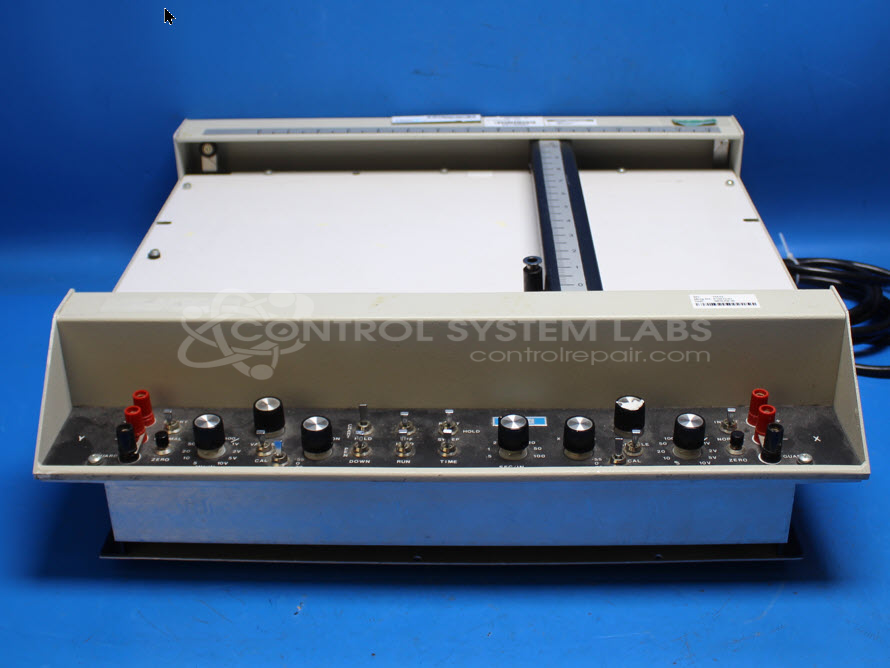
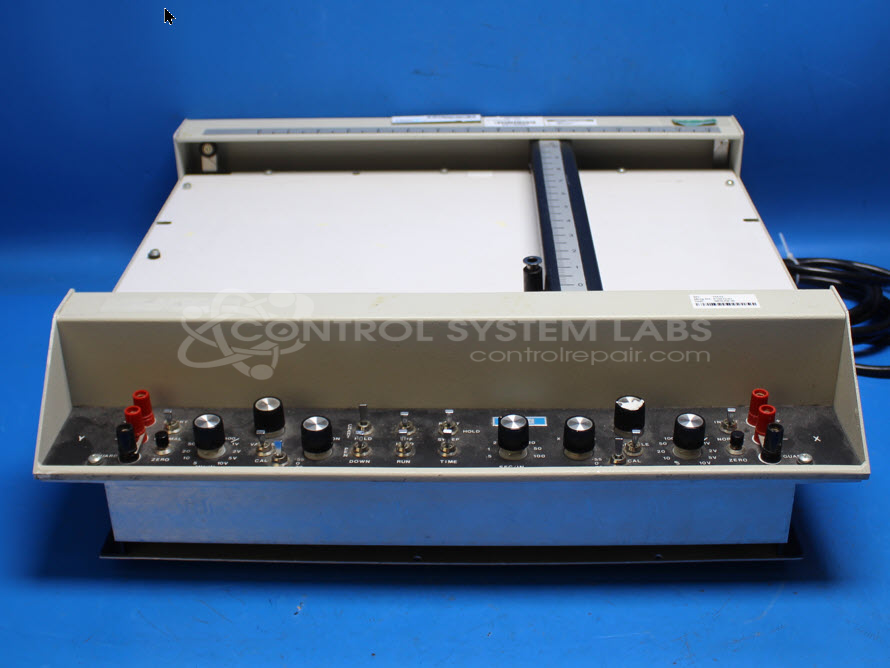
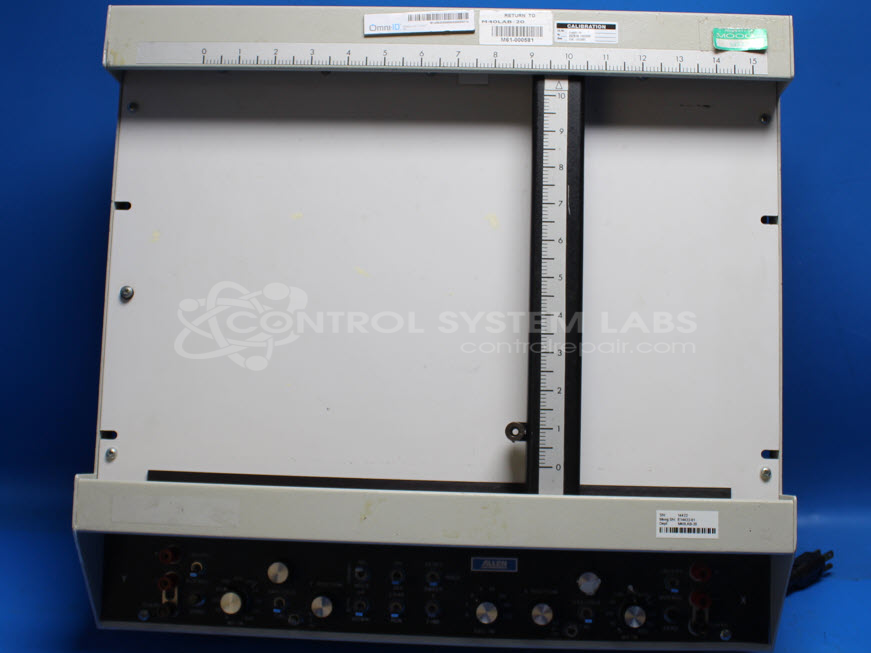
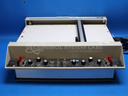
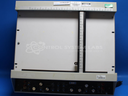
Product Overview: The Datagraph Flatbed Recorder (model 925EFR-09) is a dual-axis X-Y chart recorder that uses electrostatic paper hold technology to capture analog voltage signals as physical pen traces on paper. It accepts voltage inputs on both X and Y channels, typically up to 10 volts full scale, and provides adjustable gain and calibration for each axis. The unit features selectable pen control modes (sweep or remote) and chart hold/release functions. Commonly used in test labs, quality control environments, and process monitoring applications where permanent paper records of signal relationships or time-based data are required. The recorder uses a cable-driven carriage system with pulleys for precise pen positioning across the plotting surface.
Category: Chart Recorder / Data Logger
Manufacturer: Allen Datagraph System LLC
Manufacturer Synonyms: ADSI
Manufacturer Part Number: 925EFR-09
Common Failures
This product may experience issues with the Y-axis, including isolation resistance failures and inoperative movement due to mechanical obstruction or cable misalignment. Additional reported issues include bent Y-axis carriage brackets and Chart Hold/REL function irregularities.
Repair Approach
Repairs typically involve corrective measures such as tightening cables, replacing defective components, and restoring mechanical integrity. Calibration is performed to verify proper functionality, particularly for X and Y gains. Component replacements such as capacitors and resistors may be performed as needed.
Testing & Quality
Repaired units undergo testing to verify functional range and linearity. Inputs are tested and burn-in procedures are performed as appropriate before units are returned.
Service and repair your broken Allen Datagraph System LLC part
We can repair your Allen Datagraph System LLC model 925EFR-09 in our facility. Let our skilled technicians get your Allen Datagraph System LLC back in operation quickly.
Step 1 - Click the green 'Repair Now' button above to add the part and then complete the RMA.
Step 2 - The RMA form will be sent to you via email. Print the RMA form and put it in a box with the item(s) for repair.
Step 3 - Ship or mail the box to the address listed on the RMA.
Once the user has seen at least one product this snippet will be visible.