




Repair
Call for price
Purchase
CSL Part Number: 118856
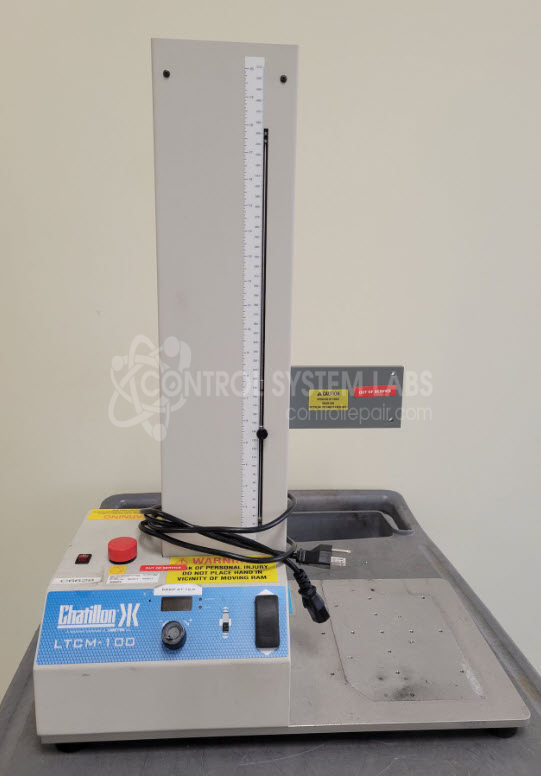
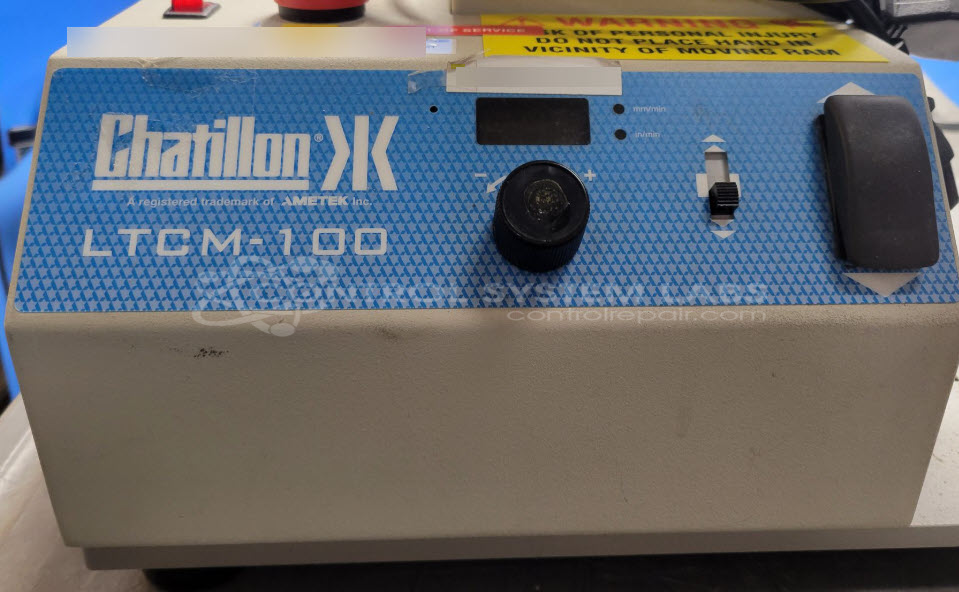
Product Overview: The Ametek LTCM-100 is a motorized force test stand designed for tension and compression testing of materials, components, and finished products. It features variable speed control via a front-panel potentiometer and digital display for precise test parameter adjustment. Commonly used in quality control laboratories and manufacturing environments for measuring push-pull forces, spring testing, and material strength validation. The system integrates with force gauges and load cells to perform standardized mechanical testing across industries including automotive, aerospace, medical device manufacturing, and consumer products.
Category: Test Equipment
Manufacturer: Ametek
Manufacturer Part Number: LTCM-100
Repair price does not include calibration. Calibration if required will be quoted extra, please provide a sample of the type of calibration required.
Common Failures
The primary issue reported with this product is erratic speed selection when adjusting the potentiometer, with values jumping around on the display. This symptom is typically due to a defective encoder.
Repair Approach
The repair involves replacing the faulty encoder. The unit is partially disassembled to access and replace the encoder, after which it is reassembled. This repair does not include calibration services.
Testing & Quality
After repair, the product is tested to verify that the replaced encoder functions properly. The testing scope is limited to verifying the operation of the new encoder. Warranty coverage applies to the parts replaced during this process.
Service and repair your broken Ametek part
We can repair your Ametek model LTCM-100 in our facility. Let our skilled technicians get your Ametek back in operation quickly.
Step 1 - Click the green 'Repair Now' button above to add the part and then complete the RMA.
Step 2 - The RMA form will be sent to you via email. Print the RMA form and put it in a box with the item(s) for repair.
Step 3 - Ship or mail the box to the address listed on the RMA.
Once the user has seen at least one product this snippet will be visible.