



Repair
Repair Price: $ 448.00
Purchase
CSL Part Number: 394
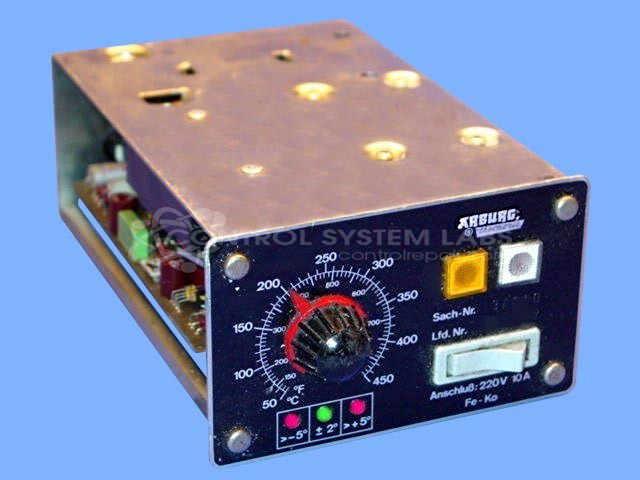
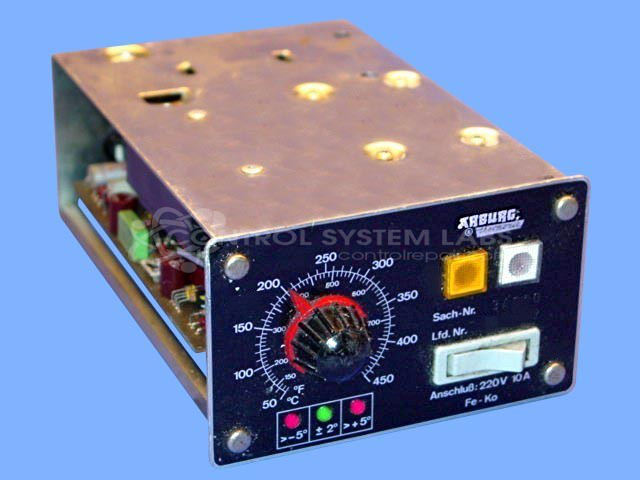
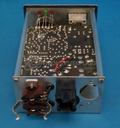
Product Overview: The Arburg Thermonic Analog Set 3 with LED Deviation Read is a temperature controller module used in plastic injection molding machines. It monitors process temperature via thermocouple input and controls heater output through a solid-state relay (SSR). The unit features LED indicators (red/green/red) that display temperature deviation from setpoint, providing visual feedback for process control. This analog controller is part of the Thermonic series and mounts on a digital display base unit for temperature monitoring in industrial plastics processing applications.
Category: Temperature Control
Manufacturer: Arburg
Manufacturer Part Number: 34600
Series: Thermonic Temperature Controller
Common Failures
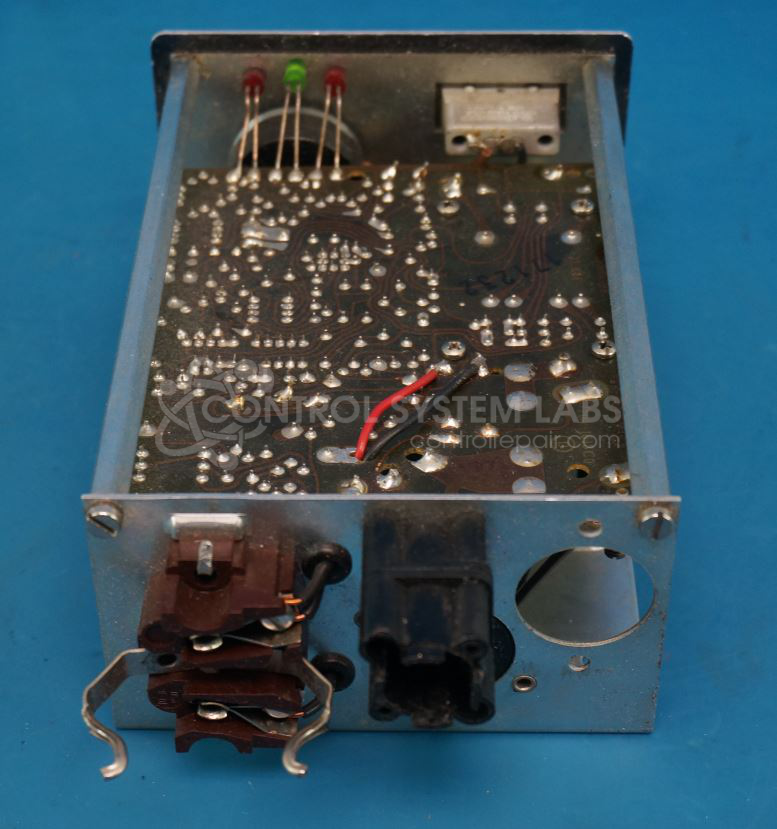
Some units may experience a lack of output to the SSR and irregular LED indicator behavior as the unit senses temperature. This issue can stem from a defective transformer, which may affect the comparator circuit.
Repair Approach
To address these issues, defective components such as the transformer and various capacitors and diodes are replaced as needed. Additional components may be replaced preventatively based on evaluation findings.
Testing & Quality
After repairs, units undergo a burn-in test with load and are tested to verify operational integrity before being returned to service.
Service and repair your broken Arburg part
We can repair your Arburg model 34600 in our facility. Let our skilled technicians get your Arburg back in operation quickly.
Step 1 - Click the green 'Repair Now' button above to add the part and then complete the RMA.
Step 2 - The RMA form will be sent to you via email. Print the RMA form and put it in a box with the item(s) for repair.
Step 3 - Ship or mail the box to the address listed on the RMA.
Once the user has seen at least one product this snippet will be visible.