



Repair
Repair Price: $ 448.00
Purchase
CSL Part Number: 8654
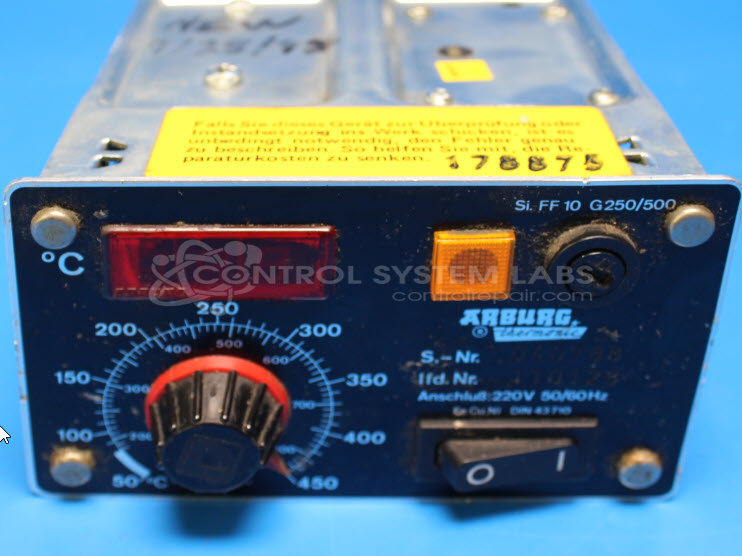
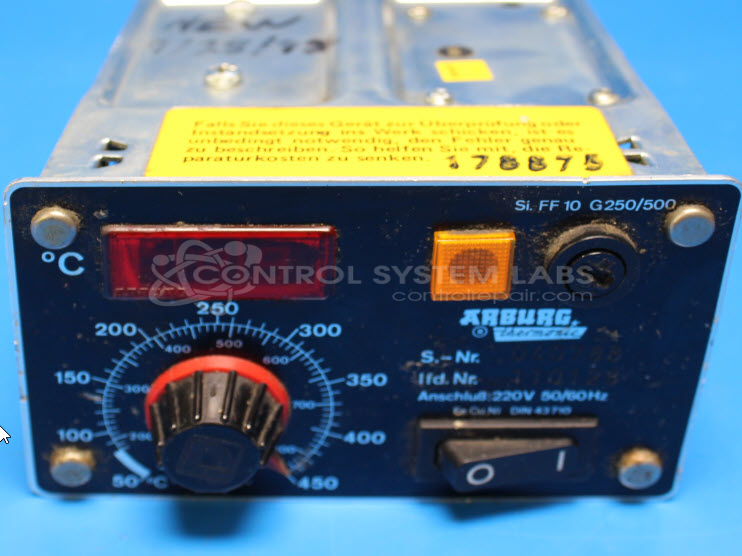
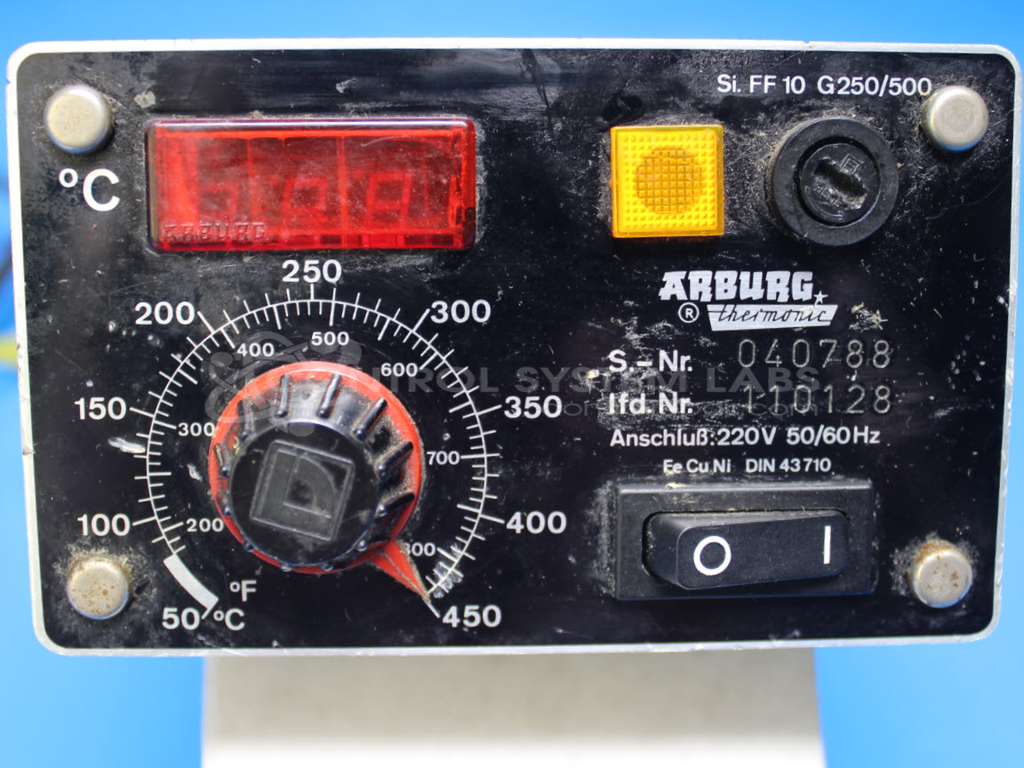
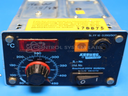
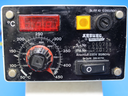
Product Overview: The Thermonic Analog Set 3 Digital Display is a temperature controller manufactured by Arburg for plastic injection molding machines. It regulates barrel and nozzle heating zones by monitoring thermocouple inputs and controlling heater band outputs via solid-state relay. The unit features analog control circuitry with digital temperature readout and an integrated power switch. It is commonly found in Arburg injection molding equipment where precise temperature control is critical for plastic processing consistency and part quality.
Category: Temperature Control
Manufacturer: Arburg
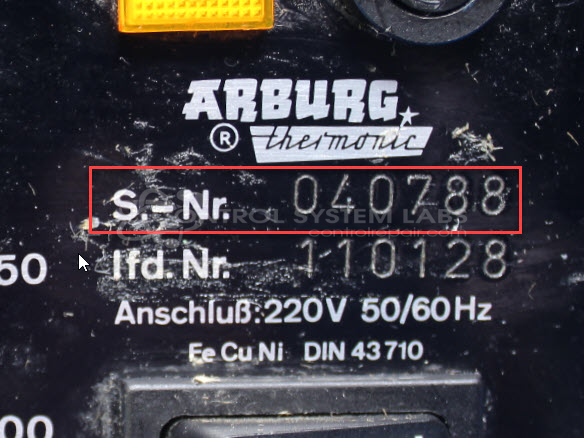
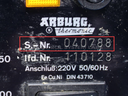
Manufacturer Part Number: 40788
Series: Thermonic Temperature Controller
Also Known As(AKA): 40.788
Common Failures
Frequent issues reported include the unit not calling for heat and a broken ON/OFF switch. These typically result from defective components such as the solid-state relay (SSR) and the power switch.
Repair Approach
Repairs may involve replacing defective components to restore normal functionality. For instances where the unit powered on without output, replacement of the solid-state relay has been effective in resolving the issue in some cases. Additional component replacements, including various capacitors, may be performed to enhance reliability.
Testing & Quality
Post-repair, the unit undergoes a burn-in test with a load to verify proper function under operational conditions. It also passes a comprehensive testing process to assure quality and performance. Each unit repair is verified by a technician.
Service and repair your broken Arburg part
We can repair your Arburg model 40788 in our facility. Let our skilled technicians get your Arburg back in operation quickly.
Step 1 - Click the green 'Repair Now' button above to add the part and then complete the RMA.
Step 2 - The RMA form will be sent to you via email. Print the RMA form and put it in a box with the item(s) for repair.
Step 3 - Ship or mail the box to the address listed on the RMA.
Once the user has seen at least one product this snippet will be visible.