



Repair
Repair Price: $ 294.00
Purchase
CSL Part Number: 83239
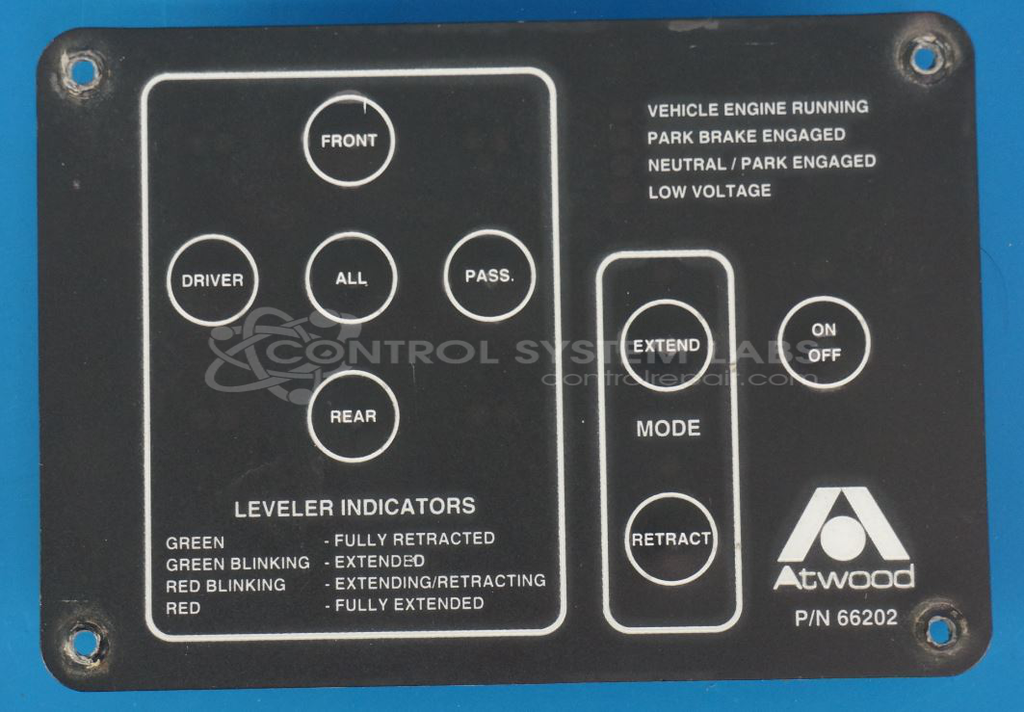
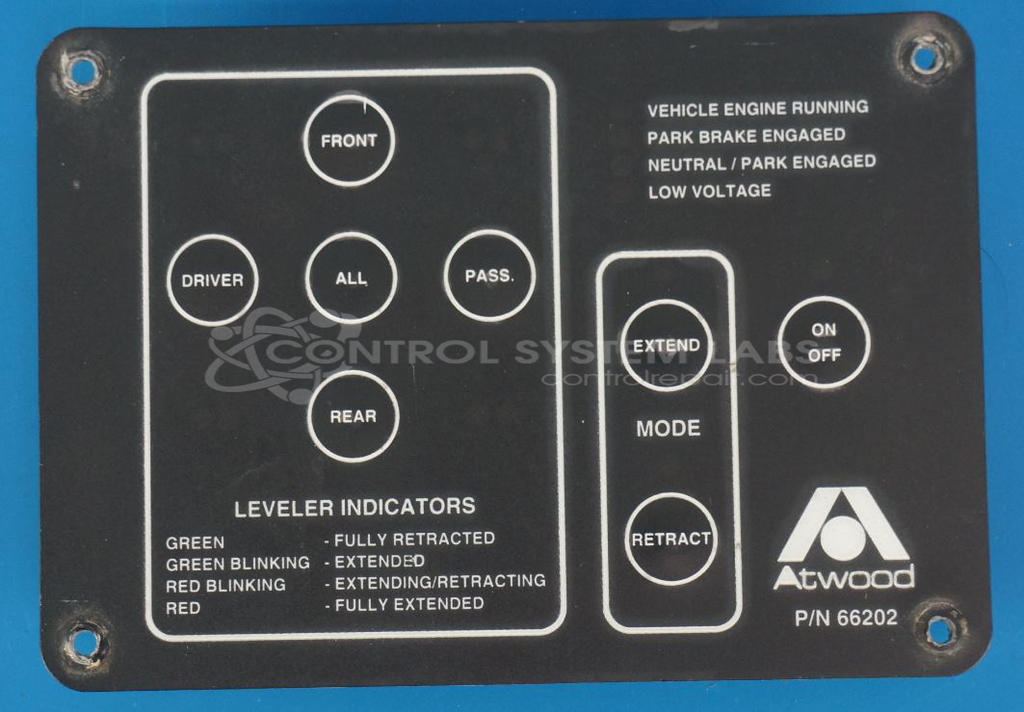
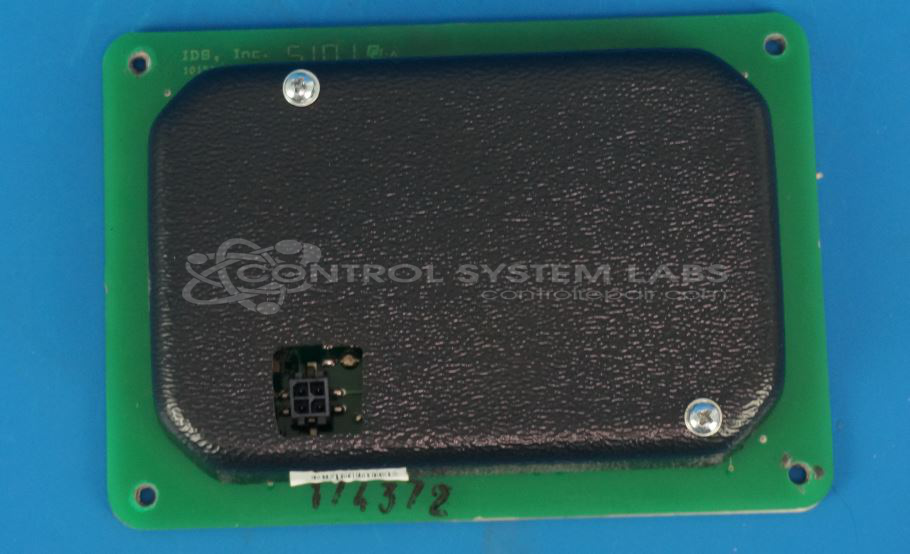
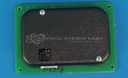
Product Overview: The Atwood 66202 is a membrane-style operator keypad used in recreational vehicle leveling leg control systems, commonly found in motorhomes and travel trailers. It features tactile metal-capped buttons for On/Off, Extend, Retract, and All functions, along with LED indicators. The keypad connects to an Atwood leveling controller via a 4-position surface-mount connector and provides user interface for hydraulic or electric leveling jack systems that stabilize parked RVs.
Category: Operator Interface
Manufacturer: Atwood
Manufacturer Part Number: 66202
Series: Atwood 66202 Keypad
Send your keypad AND controller (see diagram) We will test them to isolate the problem to the keypad, controller, or wiring/jacks. (minimum $75 checkout fee may apply) Excessive burn damage or corrosion will result in additional costs.
Common Failures
Common issues reported include button functionality problems, specifically with extend and retract buttons. Oxidized button contacts or damaged connectors are frequently observed during evaluation. These conditions can lead to inconsistent operation or unresponsiveness. Additionally, internal components may become dislodged in some units.
Repair Approach
Our repair process typically involves replacing oxidized button contacts and addressing damaged connectors. Disassembly can be challenging due to adhesive materials, but our technicians work to restore proper button and LED functionality. Repairs include diagnostic evaluation and mechanical reassembly as needed.
Testing & Quality
Repaired units are tested to verify functionality. Testing includes level testing and burn-in testing without load. Buttons and LEDs are evaluated for performance before the unit is returned.
Service and repair your broken Atwood part
We can repair your Atwood model 66202 in our facility. Let our skilled technicians get your Atwood back in operation quickly.
Step 1 - Click the green 'Repair Now' button above to add the part and then complete the RMA.
Step 2 - The RMA form will be sent to you via email. Print the RMA form and put it in a box with the item(s) for repair.
Step 3 - Ship or mail the box to the address listed on the RMA.
Once the user has seen at least one product this snippet will be visible.