




Repair
Repair Price: $ 1,308.00
Purchase
CSL Part Number: 80127
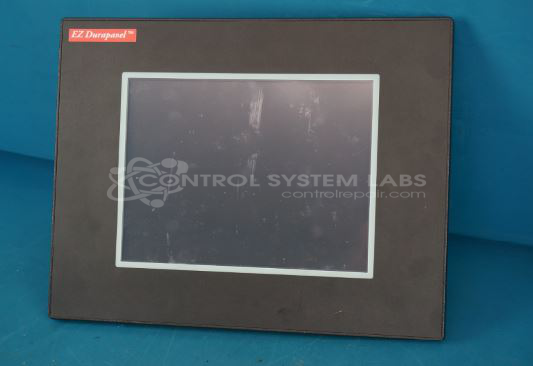
Product Overview: A rugged 10-inch TFT LCD operator interface panel running the Windows CE operating system. It provides touchscreen control and visualization for industrial machinery and automation systems. The NEMA 4 rated enclosure allows deployment in harsh factory environments requiring protection against dust and water.
Category: LCD Display
Manufacturer: AVG Automation
Manufacturer Synonyms: Automation Direct, EZAutomation
Manufacturer Part Number: EZCD-T10C-E
Contact us for service or a quote today!
Common Failures
One common issue with this product is difficulty calibrating the touch panel. This can result from either hardware or software factors. Customers often report unsuccessful attempts to calibrate the touchscreen.
Repair Approach
Our repair process includes evaluation of the touchscreen and recalibration. If recalibration is not successful with the existing hardware, touchscreen replacement may be recommended. The repair procedure follows CSL technical standards to ensure proper functionality.
Testing & Quality
All repairs are verified through a thorough problem verification process to confirm that the calibration issue has been addressed before the product is returned to the customer.
Service and repair your broken AVG Automation part
We can repair your AVG Automation model EZCD-T10C-E in our facility. Let our skilled technicians get your AVG Automation back in operation quickly.
Step 1 - Click the green 'Repair Now' button above to add the part and then complete the RMA.
Step 2 - The RMA form will be sent to you via email. Print the RMA form and put it in a box with the item(s) for repair.
Step 3 - Ship or mail the box to the address listed on the RMA.
Once the user has seen at least one product this snippet will be visible.