


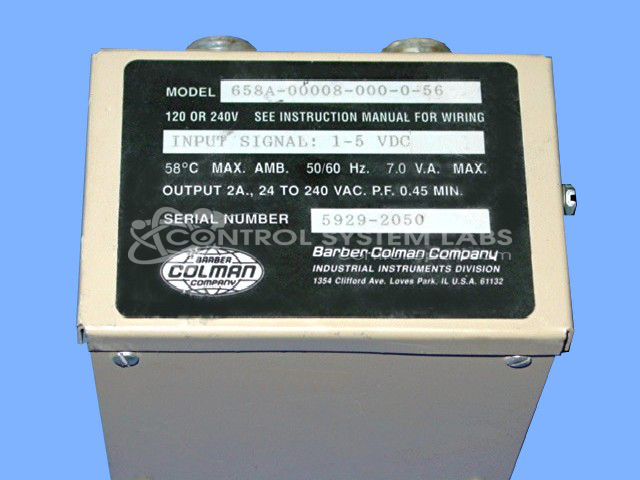
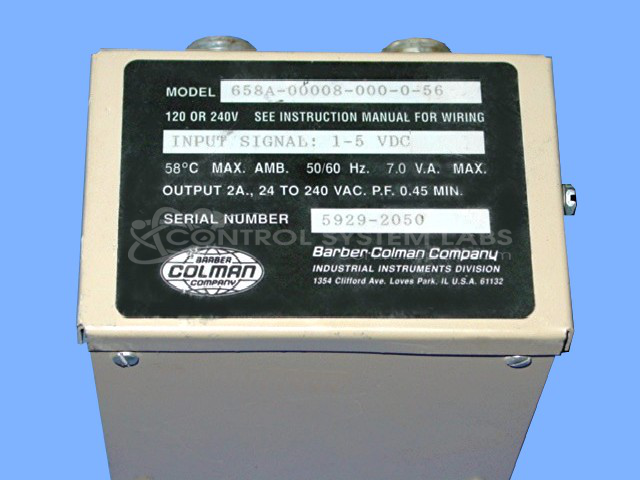

Repair
Repair Price: $ 344.00
Purchase
CSL Part Number: 34041
Product Overview: The 658A is a precision actuator controller from Barber-Colman's 658 Series that accepts a 4-20mA analog input signal to drive electric actuators through 0-90 degree rotation. It is commonly used in HVAC systems and industrial process control applications for valve and damper positioning. The unit converts the standard current loop signal into proportional mechanical motion, providing reliable positioning control in building automation and process equipment.
Category: Actuators
Manufacturer: Barber-Colman
Manufacturer Synonyms: Barber Coleman, Barbercolman, Invensys
Manufacturer Part Number: 658A-00001-000-0-00
Series: 658 Series Actuator Control
Brand: Barber-Colman
Actuator repair prices are for common failures. Additional parts or labor will be quoted as needed.
Common Failures
The most common issues reported with this product involve defective electrolytic capacitors and occasional defective solder joints. These failures can lead to performance issues or device failure.
Repair Approach
The primary repair solution involves replacing defective electrolytic capacitors. In some cases, complete unit testing may not be possible depending on the configuration or condition of the item received.
Testing & Quality
Repaired units are tested to verify performance, including a load test lasting four hours simulating operational conditions. Testing procedures are performed based on the configuration and testability of each unit.
Service and repair your broken Barber-Colman part
We can repair your Barber-Colman model 658A-00001-000-0-00 in our facility. Let our skilled technicians get your Barber-Colman back in operation quickly.
Step 1 - Click the green 'Repair Now' button above to add the part and then complete the RMA.
Step 2 - The RMA form will be sent to you via email. Print the RMA form and put it in a box with the item(s) for repair.
Step 3 - Ship or mail the box to the address listed on the RMA.
Once the user has seen at least one product this snippet will be visible.