



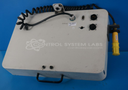
Repair
Repair Price: $ 1,752.00
Purchase
CSL Part Number: 82560
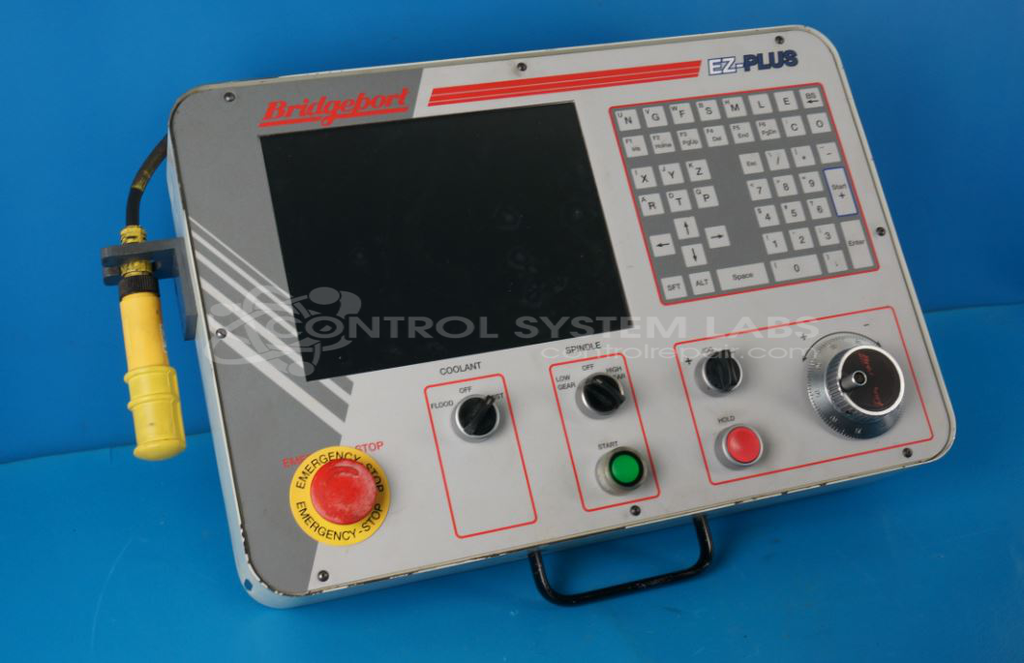
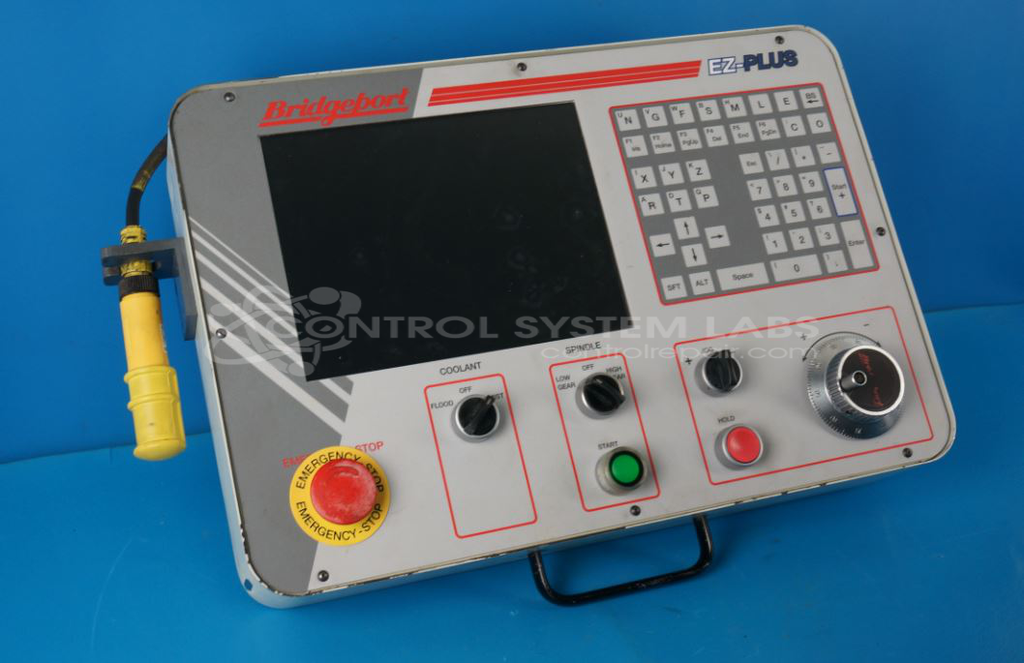
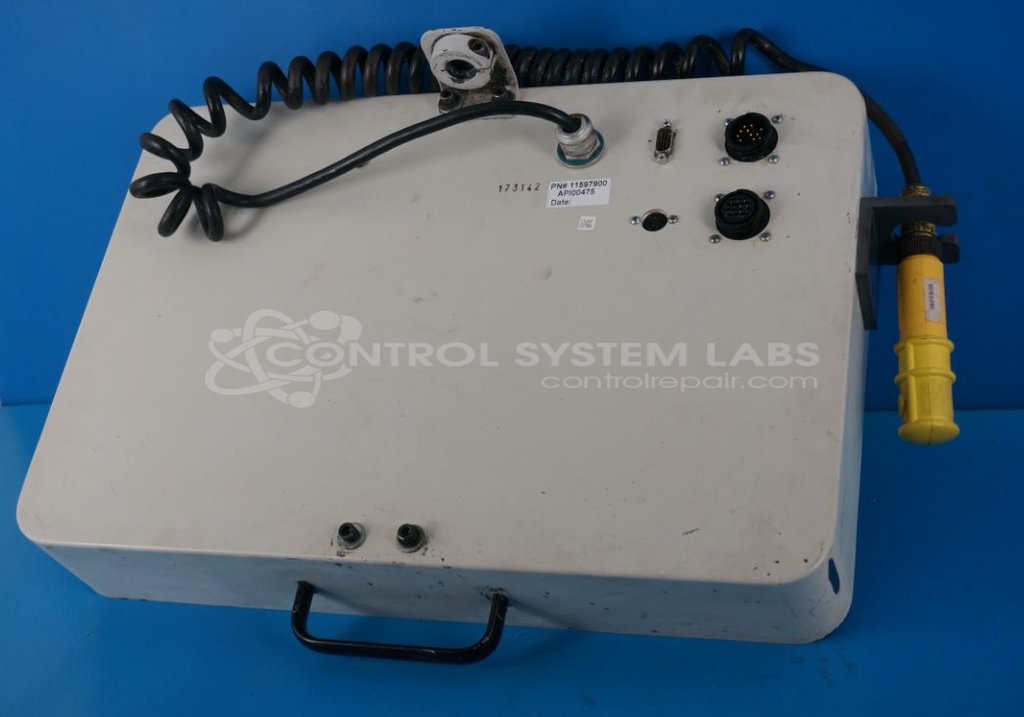
Product Overview: The EZ-Plus LCD Front Control Panel (Bridgeport 11597900) is a human-machine interface for Bridgeport CNC machine tools. It features an integrated LCD display with backlight assembly and membrane keypad for operator input and system status monitoring. The panel operates on 12VDC and includes onboard voltage regulation circuits. It provides essential control functions including spindle commands and real-time data display for machine operation and parameter entry on Bridgeport milling machines and machining centers.
Category: Operator & Control Panels
Manufacturer: Bridgeport
Manufacturer Part Number: 11597900
Common Failures
Common issues reported include non-functional pendant screens, display image distortion with data cut-off, and keypad malfunctions. These problems have been associated with defective components, particularly power supply elements and capacitors. In some cases, issues were related to external power sources affecting device performance.
Repair Approach
Repairs typically involve replacing defective components such as capacitors and MOSFETs. Power supply repairs and securing of internal parts like the PCB and LCD are conducted to restore device reliability. In certain cases, backlight assemblies are also replaced to restore display functionality.
Testing & Quality
Following repairs, devices undergo diagnostic and burn-in testing both with and without load to verify functionality and reliability. Testing confirms proper operation of display and keypad responses. Each repair is reviewed by our team to maintain quality standards.
Service and repair your broken Bridgeport part
We can repair your Bridgeport model 11597900 in our facility. Let our skilled technicians get your Bridgeport back in operation quickly.
Step 1 - Click the green 'Repair Now' button above to add the part and then complete the RMA.
Step 2 - The RMA form will be sent to you via email. Print the RMA form and put it in a box with the item(s) for repair.
Step 3 - Ship or mail the box to the address listed on the RMA.
Once the user has seen at least one product this snippet will be visible.