



Repair
Repair Price: $ 2,948.00
Purchase
CSL Part Number: 36734
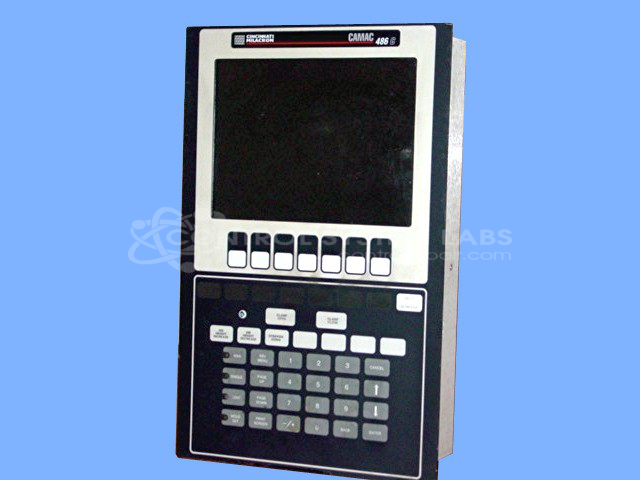
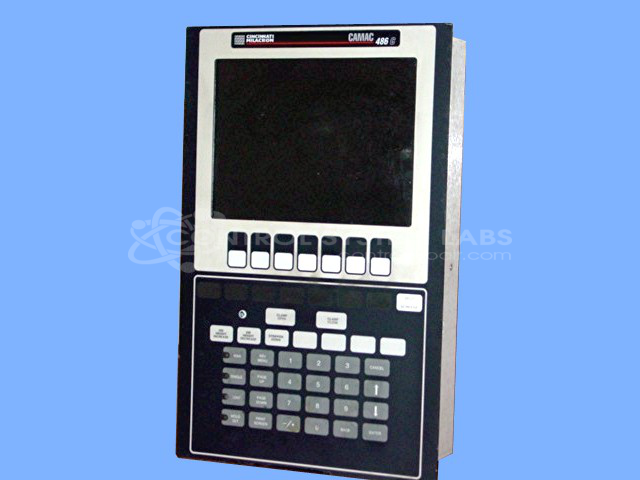
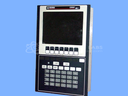
Product Overview: The Camac 486C Operator Station is an industrial HMI workstation manufactured by Cincinnati Milacron for use with their machine control systems. It features a 9.4-inch LCD display with 640x480 resolution and CCFL backlighting, providing visual feedback and operational control for CNC machines and industrial equipment. This operator interface is part of the CAMAC 486 series and serves as the primary human-machine interface in manufacturing and production environments where Cincinnati Milacron controls are deployed.
Category: Operator / Monitor Workstation
Manufacturer: Cincinnati Milacron
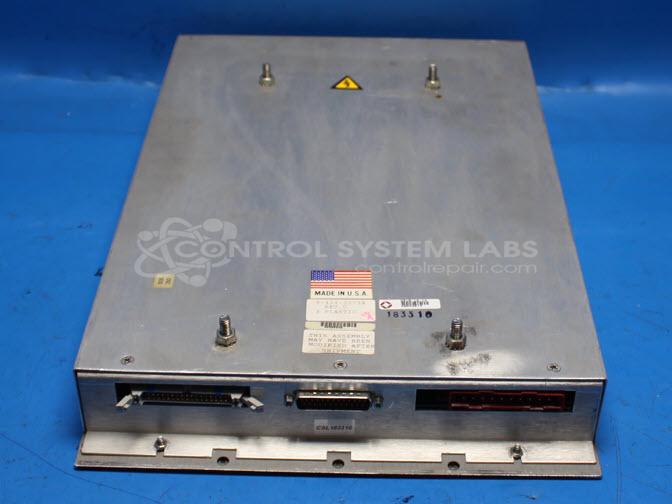
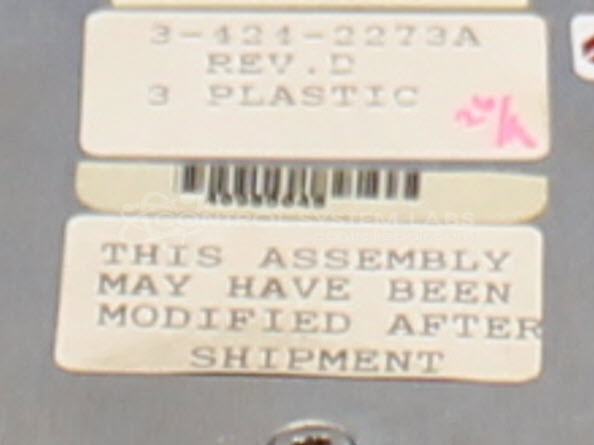
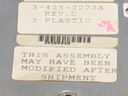
Manufacturer Part Number: 3-424-2273A
Series: CAMAC 486
Also Known As(AKA): 3 424 2273A
Must send in for repair evaluation and quote.
Common Failures
Customers have reported issues with the device's screen, such as no backlight, a dim display, or vertical lines. These problems are often traced to a defective backlight in the LCD, a faulty CCFL inverter, or a malfunctioning MOSFET that drives the inverter. Another common issue is the LCD connector loosening over time.
Repair Approach
Repairs typically involve replacing the defective LCD screen or its components. For issues related to vertical lines, reseating and securing the LCD connector has been successful. In cases of no backlight, replacing the CCFL backlight power supply or the MOSFET has resolved the problem.
Testing & Quality
After repairs, devices undergo thorough testing. This includes visual inspections and functional tests with custom test programs designed to ensure the display is working correctly.
Service and repair your broken Cincinnati Milacron part
We can repair your Cincinnati Milacron model 3-424-2273A in our facility. Let our skilled technicians get your Cincinnati Milacron back in operation quickly.
Step 1 - Click the green 'Repair Now' button above to add the part and then complete the RMA.
Step 2 - The RMA form will be sent to you via email. Print the RMA form and put it in a box with the item(s) for repair.
Step 3 - Ship or mail the box to the address listed on the RMA.
Once the user has seen at least one product this snippet will be visible.