



Repair
Repair Price: $ 936.00
Purchase
CSL Part Number: 10620
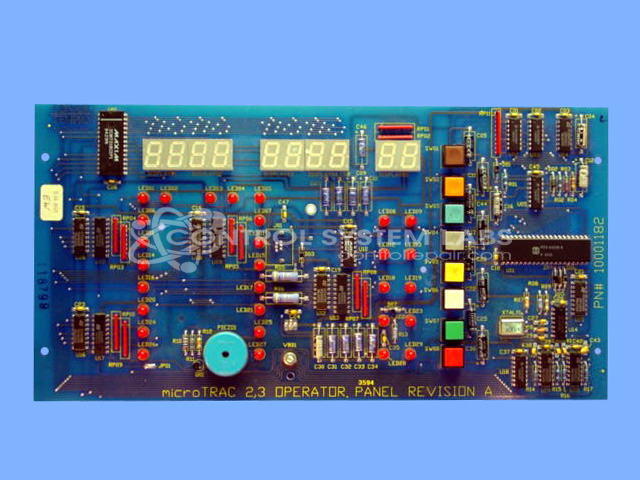
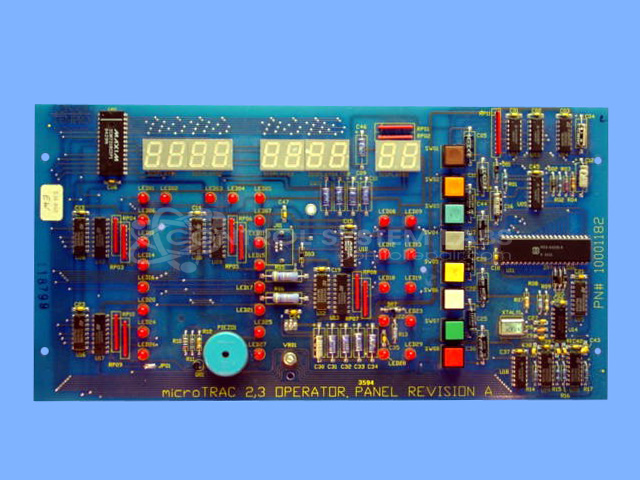
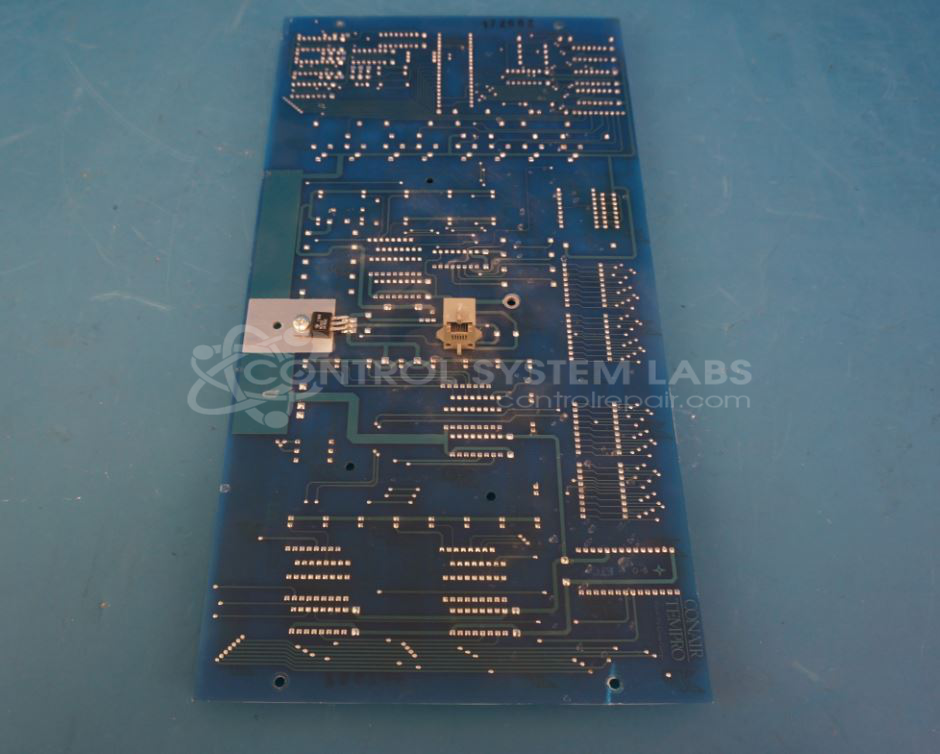
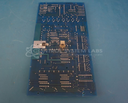
Product Overview: The microTrac 2/3 is a display and operator panel used with Conair chiller control systems. It provides a user interface for temperature setpoint adjustment, system monitoring, and alarm indication through LED displays and pushbutton controls. The panel communicates with a main control board via RS-232 interface to manage process cooling equipment in plastics processing, industrial cooling, and manufacturing applications. It features tactile switches for operation mode selection, temperature adjustment, and system start/stop functions, along with an audio alarm sounder for fault notification.
Category: Chiller Controls
Manufacturer: Conair
Manufacturer Synonyms: IPEG, Franklin
Manufacturer Part Number: 10001182
Series: microTrac 1, 2, and 3
Also Known As(AKA): 11000550(X) P/N
Overlay replacement if required will be quoted.
Common Failures
CSL has evaluated units with a variety of reported issues including unresponsiveness with all lights on, screens lighting up but not functioning, displays reading error codes, and lights flickering. Common findings have included defective capacitors and corroded or faulty switches.
Repair Approach
The repair process typically involves replacing defective components such as capacitors and switches. Some repairs have required thorough cleaning due to corrosion or residue from previous work. Diagnostic testing is used to identify faulty components, followed by replacing the identified parts and ensuring proper installation.
Testing & Quality
Repaired units undergo testing to confirm functionality. This includes verifying communication with control boards, ensuring LED and switch operations, and performing burn-in tests. Each unit is subjected to a series of tests, with repairs confirmed by quality control personnel.
Service and repair your broken Conair part
We can repair your Conair model 10001182 in our facility. Let our skilled technicians get your Conair back in operation quickly.
Step 1 - Click the green 'Repair Now' button above to add the part and then complete the RMA.
Step 2 - The RMA form will be sent to you via email. Print the RMA form and put it in a box with the item(s) for repair.
Step 3 - Ship or mail the box to the address listed on the RMA.
Once the user has seen at least one product this snippet will be visible.