



Repair
Repair Price: $ 560.00
Purchase
CSL Part Number: 922
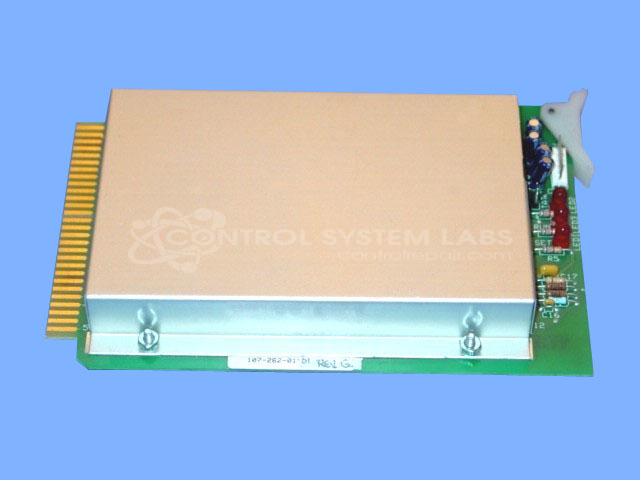
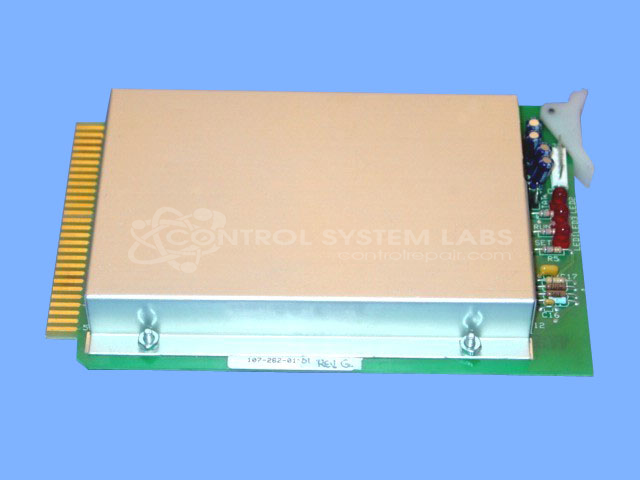
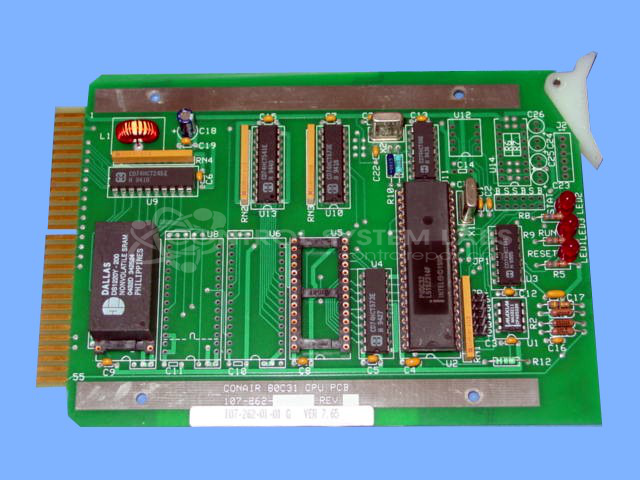
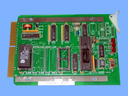
Product Overview: The Compu-Dry Processor Board (107-262-01-01) is a microcontroller-based control board for Conair CD series desiccant dryers, such as the CD2400. Built around an 80C31 processor, it manages drying cycles, monitors system parameters, and interfaces with operator displays. Key components include NVRAM for parameter storage, EEPROM for firmware (such as version 7.66), and TTL logic for display and communications. It is used in industrial plastics processing applications where precise moisture control is critical.
Category: Processor Cards & Modules
Manufacturer: Conair
Manufacturer Synonyms: IPEG, Franklin
Manufacturer Part Number: 107-262-01-01
Series: Compu-Dry CD Dryer
Also Known As(AKA): 80C31
Common Failures
Common issues with this product include non-functional units, corrupted EEPROM, distorted character displays, and erratic alarms leading to shutdowns. A recurring failure mode involves defective NVRAM, which can result in alarms and operational inconsistencies.
Repair Approach
Repairs typically involve replacing faulty components such as NVRAM and EEPROM. Successful interventions may include updating firmware and replacing defective chips to restore functionality. Each repair is conducted with thorough diagnostic testing to address identified issues.
Testing & Quality
Post-repair testing includes performance checks to verify functionality and communication between components. Units undergo testing to confirm reliability and consistent performance, with repairs verified by additional team members for quality assurance.
Service and repair your broken Conair part
We can repair your Conair model 107-262-01-01 in our facility. Let our skilled technicians get your Conair back in operation quickly.
Step 1 - Click the green 'Repair Now' button above to add the part and then complete the RMA.
Step 2 - The RMA form will be sent to you via email. Print the RMA form and put it in a box with the item(s) for repair.
Step 3 - Ship or mail the box to the address listed on the RMA.
Once the user has seen at least one product this snippet will be visible.