



Repair
Repair Price: $ 1,524.00
Purchase
CSL Part Number: 71950
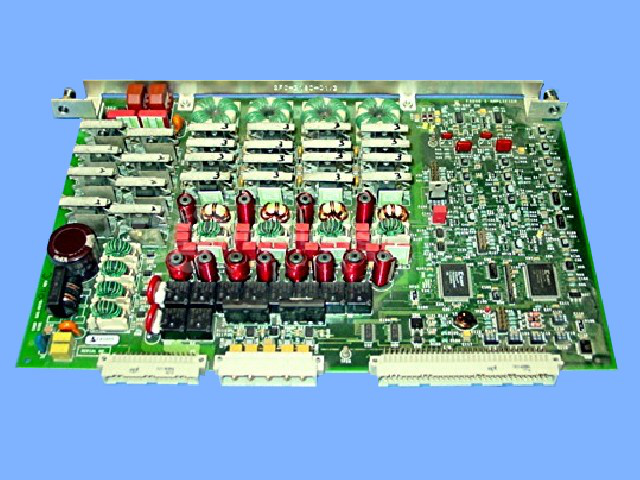
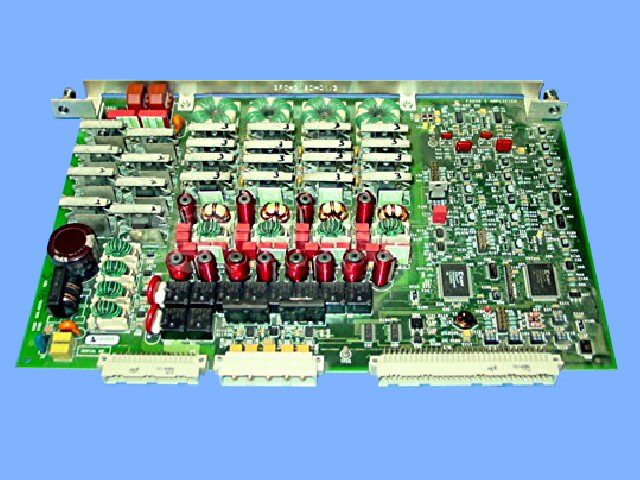
Product Overview: This enhanced amplifier card provides current output signals within Doble F6000 power system simulators, which are used for testing and commissioning protective relays in electrical substations and power generation facilities. It generates precise current waveforms to simulate real-world power system conditions, enabling engineers to verify relay settings and performance before energizing actual equipment. The card features multiple output channels and can produce a range of current magnitudes and phases required for comprehensive relay testing scenarios.
Category: Control Board
Manufacturer: Doble Engineering
Manufacturer Part Number: 04S-0678-01 REV. C
Series: F6000 Power System Simulators
Include problem with the control. Warranties to repaired section only.
Common Failures
Some customers have reported that their cards are not outputting as expected. This may be due to a range of issues affecting the unit's performance.
Repair Approach
Our team evaluates each unit to identify the cause of the output failure. Once the unit is received and reviewed, we can provide a quotation before any repair work begins. Repair processes are tailored to address specific symptoms observed during evaluation.
Testing & Quality
Following repairs, thorough testing is conducted to ensure that the product operates correctly and meets our quality standards before returning to the customer.
Service and repair your broken Doble Engineering part
We can repair your Doble Engineering model 04S-0678-01 REV. C in our facility. Let our skilled technicians get your Doble Engineering back in operation quickly.
Step 1 - Click the green 'Repair Now' button above to add the part and then complete the RMA.
Step 2 - The RMA form will be sent to you via email. Print the RMA form and put it in a box with the item(s) for repair.
Step 3 - Ship or mail the box to the address listed on the RMA.
Once the user has seen at least one product this snippet will be visible.