



Repair
Repair Price: $ 1,994.00
Purchase
CSL Part Number: 5232
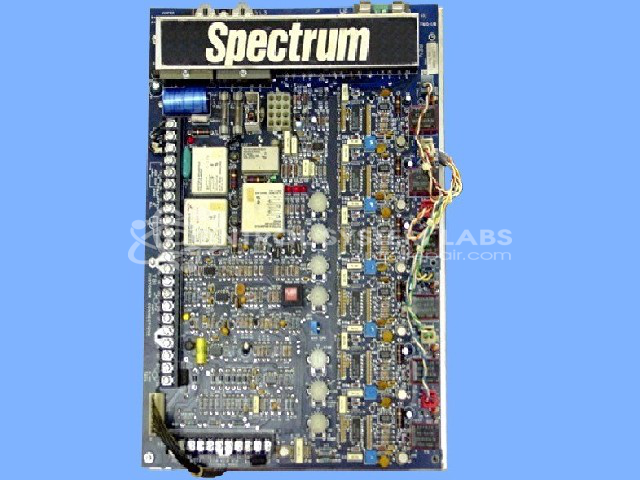
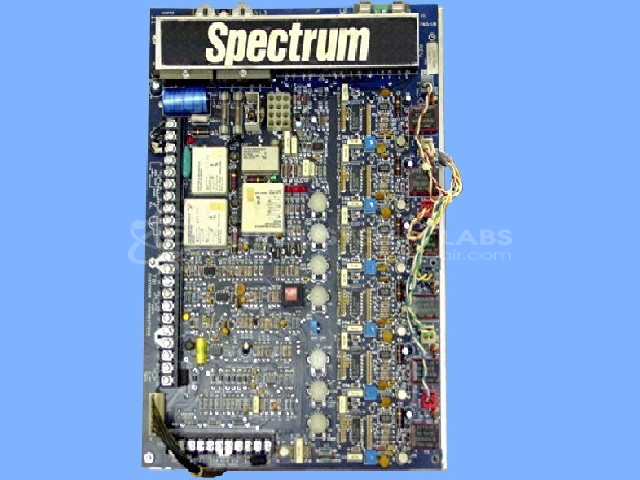
Product Overview: The Emerson Spectrum II Drive (model 2200-8460) is a DC motor control designed to regulate speed and torque in industrial DC motor applications. It features a modular design with control boards, pulse transformers, and relay circuits for armature voltage regulation. Common in manufacturing automation, material handling, and process control equipment, it operates with configurable input voltages and provides closed-loop speed control with tachometer feedback. The drive uses thyristor-based power conversion and includes control transformers, protective fusing, and multiple relay stages for sequencing and protection functions.
Category: Motor Controls
Manufacturer: Emerson
Manufacturer Part Number: 2200-8460
Series: Spectrum DC Drive
Common Failures
Common issues observed with this product include blown fuses, defective relays, and transformer failures. Worn or missing capacitors and damage from shipping may also affect operation. Reported symptoms have included lack of DC voltage output, intermittent power issues, and excessive relay vibration affecting drive performance.
Repair Approach
Repair work typically includes replacement of defective fuses, relays, and transformers as needed. Capacitors may be replaced where wear is evident. Technicians address mechanical issues such as damaged standoffs or case damage. More complex issues may require additional diagnostic testing to identify the underlying problem.
Testing & Quality
Following repair, units undergo burn-in testing with motors to verify Start, Stop, and Speed control functions. Equipment is tested at multiple voltage levels to confirm functionality. Multiple technicians review items to support quality assurance standards and verify that repaired units meet operational specifications.
Service and repair your broken Emerson part
We can repair your Emerson model 2200-8460 in our facility. Let our skilled technicians get your Emerson back in operation quickly.
Step 1 - Click the green 'Repair Now' button above to add the part and then complete the RMA.
Step 2 - The RMA form will be sent to you via email. Print the RMA form and put it in a box with the item(s) for repair.
Step 3 - Ship or mail the box to the address listed on the RMA.
Once the user has seen at least one product this snippet will be visible.