




Repair
Call for price
Purchase
CSL Part Number: 116809
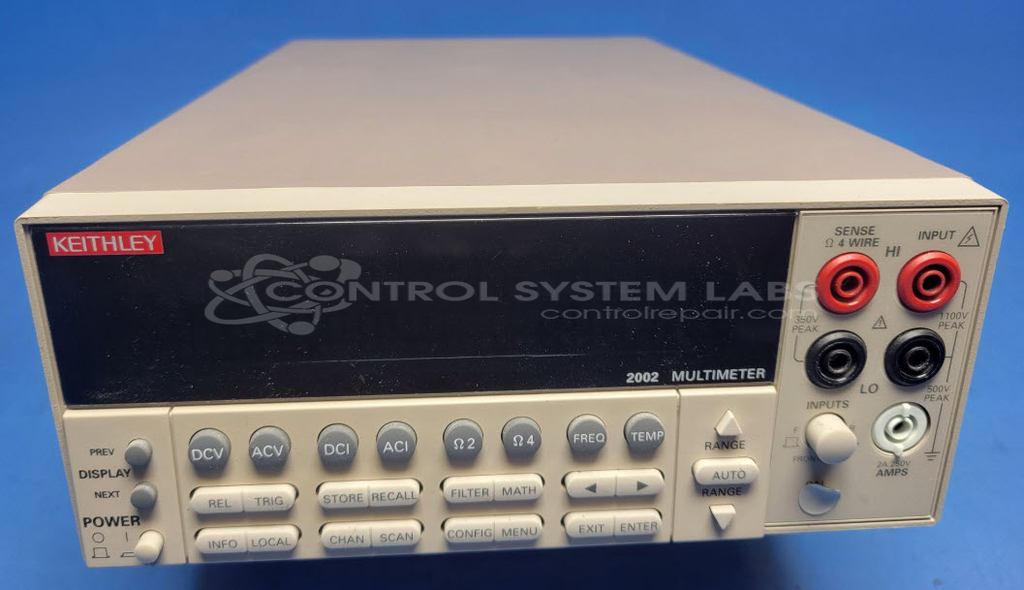
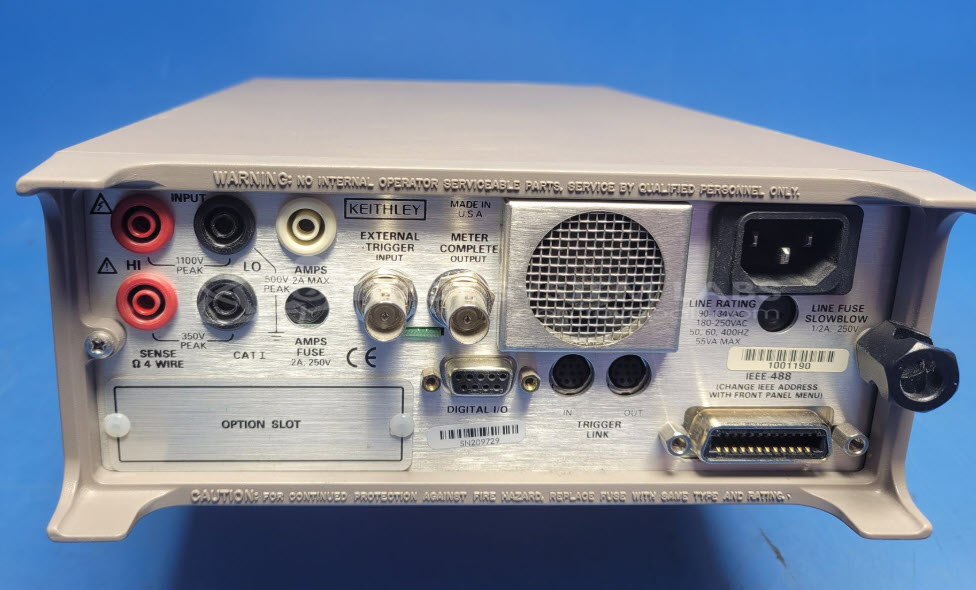
Product Overview: The Keithley 2002 Multimeter Controller is a high-precision digital multimeter designed for test equipment applications. As part of the Keithley Instruments 2000 Series, it provides accurate voltage, current, and resistance measurements, often utilized in research labs and industrial environments. Known for its reliability, it supports various calibration processes and interfaces with data acquisition systems for comprehensive testing capabilities.
Category: Test Equipment
Manufacturer: Keithley Instruments
Manufacturer Part Number: 2002
Please include test leads and clear detailed symptoms when sending in for repairs.
Common Failures
The Keithley 2002 Digital Multimeter may encounter errors related to calibration data, with error codes that can indicate AC or DC calibration issues. The VFD display may age and become dim over time, and the front bezel's fuse holder can become damaged, sometimes resulting in loose fuses inside the unit.
Repair Approach
Our repair process typically includes replacing memory components responsible for calibration storage, such as serial EEPROMs and NVRAM, followed by loading backup data when available. Display components like the VFD may also need replacing if they are affecting functionality. For some repairs that may be complex or uneconomical, we will provide a quotation and discuss options with the customer before proceeding.
Testing & Quality
The unit undergoes inspection to identify necessary repairs. Testing follows to verify that identified issues have been addressed. Calibration is not included in the standard repair service. Please contact us if you would like information about additional calibration services.
Repair your broken Keithley Instruments part
We can repair your Keithley Instruments model 2002 .
Please note: our repair turnaround time may be longer than our standard lead times for this item.
Step 1 -
Click the green button above, "Repair Now," and add to your RMA.
Step 2 -
Print the RMA form that is emailed to you, and put it in a box with the parts for repair.
Step 3 -
Mail the box to the address on the RMA.
You will be sent an authorization for repair via email. Your approval is needed before any work is started.
Once the user has seen at least one product this snippet will be visible.