



Repair
Repair Price: $ 1,554.00
Purchase
CSL Part Number: 114907
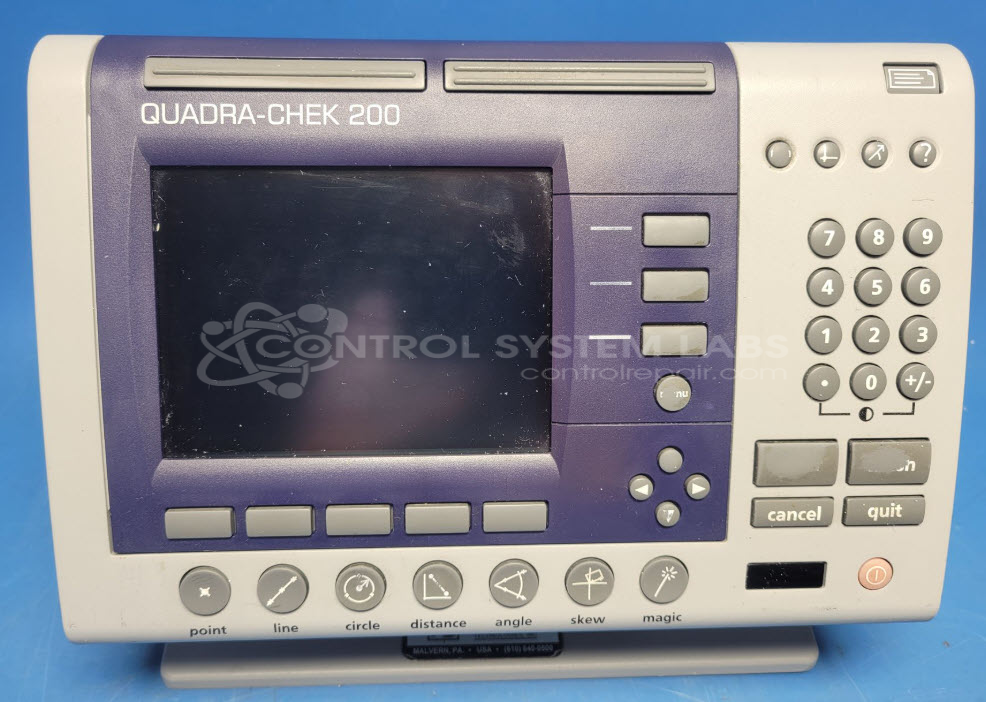
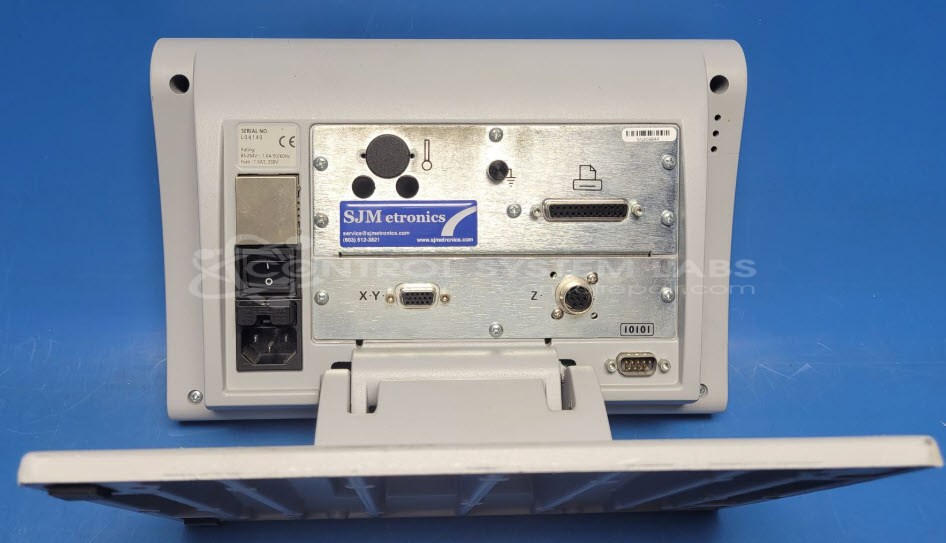
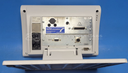
Product Overview: The Quadra-Chek 200 Series Measurement Unit is a digital readout (DRO) system designed for precision dimensional measurement applications. It provides multi-axis position display, typically configured for X, Y, and Z axes on measuring microscopes, coordinate measuring machines, and optical comparators. The unit features an LCD display and connects to linear scales or encoders to show real-time position data in manufacturing quality control and inspection environments.
Category: Meters / Gauges / Readouts
Manufacturer: Metronics
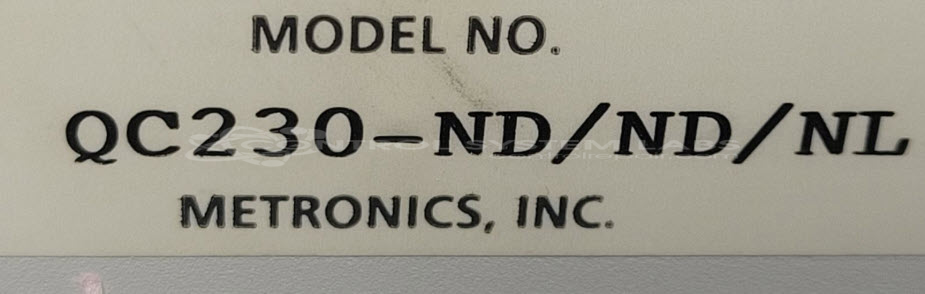
Manufacturer Part Number: QC230-ND/ND/NL
Series: Quadra-Check 200 Readout
Please also send in a scale or encoder from one of the axis to test with the unit.
Common Failures
Typical issues with this product include a defective LCD display and faulty capacitors. Additionally, cold solder joints on the flash chip can lead to the unit failing its boot sequence and power-up issues.
Repair Approach
To address the failures, the repair process may involve replacing the LCD display and capacitors. Reflowing the pins on the flash chip can resolve boot sequence failures. For software connection issues, swapping the crossover serial cable with a straight-through one and adjusting the baud rate may facilitate firmware reinstallation.
Testing & Quality
After completing repairs, the units undergo diagnostic tests to verify functionality. This includes verifying successful power-up and boot sequence completion. Burn-in tests are also performed to help ensure reliability.
Service and repair your broken Metronics part
We can repair your Metronics model QC230-ND/ND/NL in our facility. Let our skilled technicians get your Metronics back in operation quickly.
Step 1 - Click the green 'Repair Now' button above to add the part and then complete the RMA.
Step 2 - The RMA form will be sent to you via email. Print the RMA form and put it in a box with the item(s) for repair.
Step 3 - Ship or mail the box to the address listed on the RMA.
Once the user has seen at least one product this snippet will be visible.