




Repair
Repair Price: $ 1,498.00
Purchase
CSL Part Number: 116896
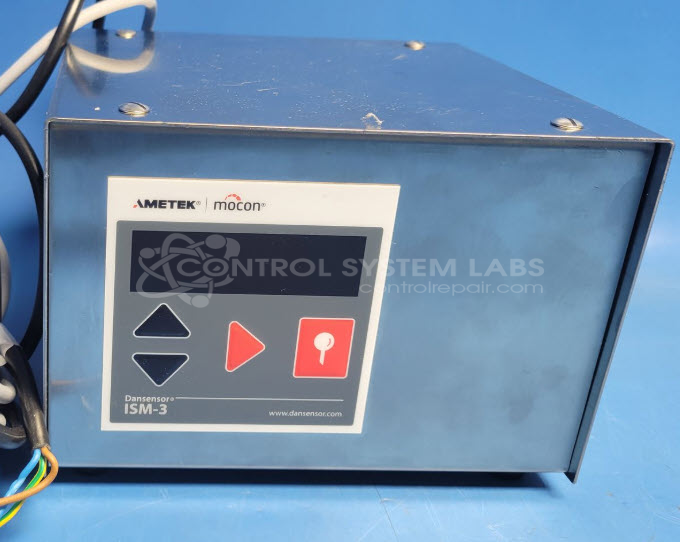
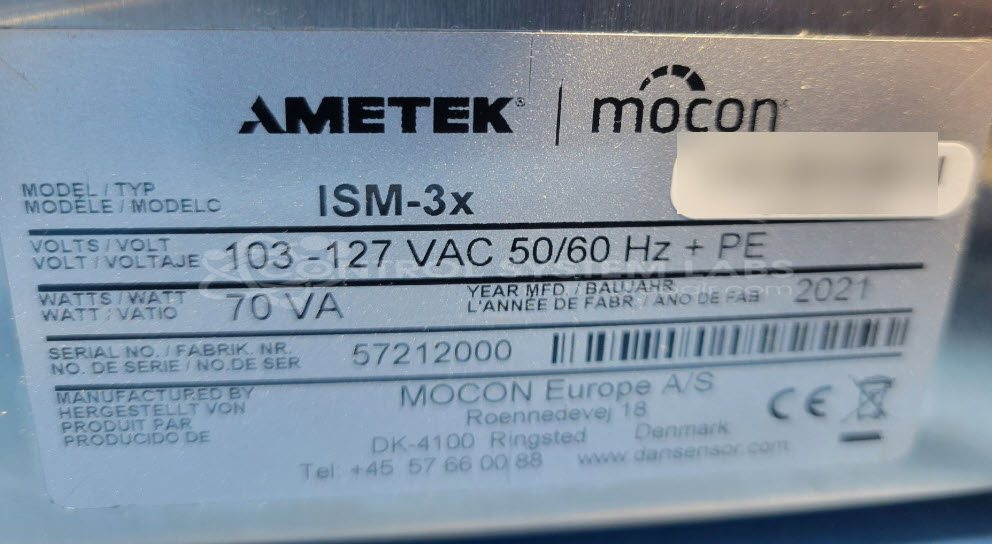
Product Overview: The Mocon ISM-3X is a precision oxygen analyzer used for measuring oxygen concentration in sealed packages, modified atmosphere packaging (MAP), and quality control applications in food, pharmaceutical, and manufacturing industries. It utilizes electrochemical sensing technology and includes an internal vacuum pump system to draw gas samples for analysis. The unit features digital display, keypad controls, and programmable test sequences. Common in packaging lines and laboratory environments where oxygen levels must be monitored to ensure product integrity and shelf life.
Category: Test Equipment
Manufacturer: Mocon
Manufacturer Part Number: ISM-3X
Send in with sensors and accessories.
Common Failures
Several units exhibited issues with the motor not spinning properly, often due to voltage regulation concerns. Misfiring incidents were associated with defective relays or open heater elements, alongside reports of damaged I/O cables.
Repair Approach
The main repair tasks involved replacing defective components such as the brushless DC servomotor and fuse, addressing voltage discrepancies by replacing the regulator and resistors, and conducting diagnostic testing for misfiring issues.
Testing & Quality
All repaired units underwent comprehensive testing, including Level 3 testing of displays, keypads, and air flow where applicable. Additionally, burn-in tests were performed both with and without load to verify performance post-repair.
Service and repair your broken Mocon part
We can repair your Mocon model ISM-3X in our facility. Let our skilled technicians get your Mocon back in operation quickly.
Step 1 - Click the green 'Repair Now' button above to add the part and then complete the RMA.
Step 2 - The RMA form will be sent to you via email. Print the RMA form and put it in a box with the item(s) for repair.
Step 3 - Ship or mail the box to the address listed on the RMA.
Once the user has seen at least one product this snippet will be visible.