



Repair
Call for price
Purchase
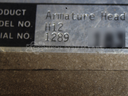
CSL Part Number: 87773
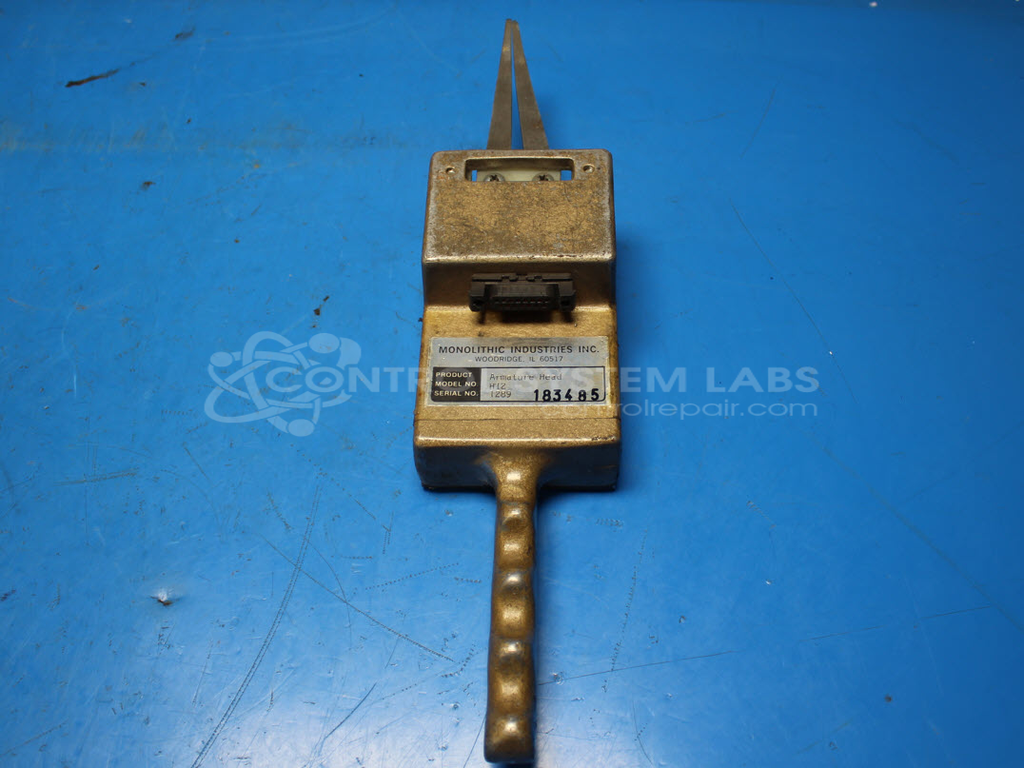
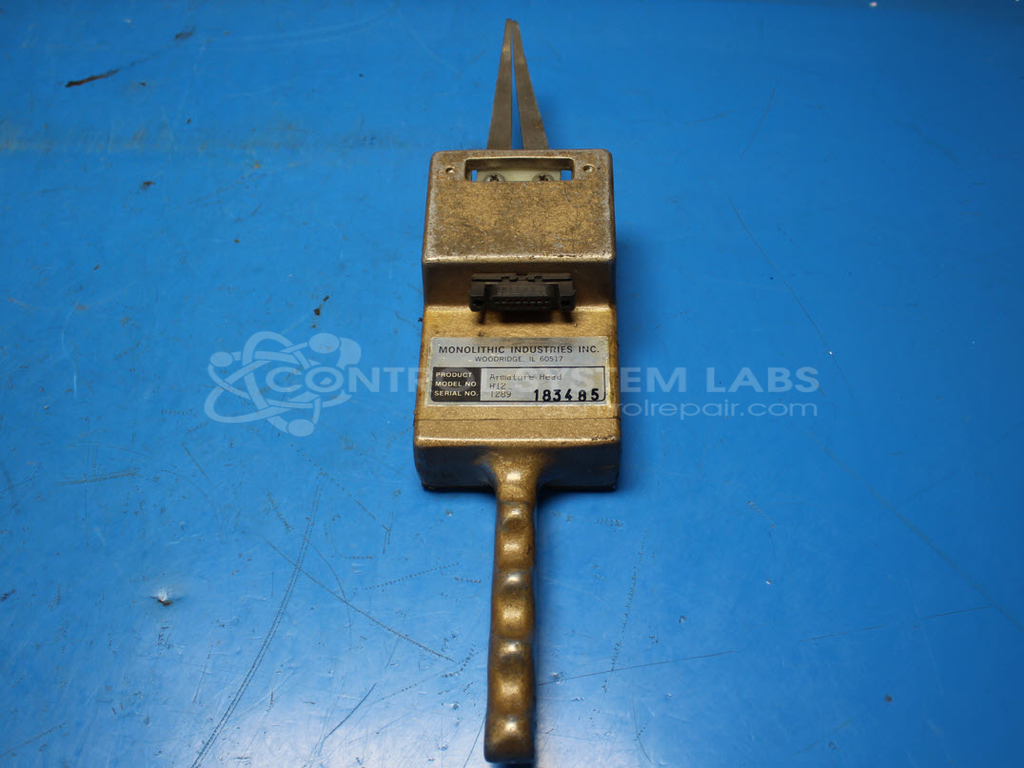
Product Overview: The Armature Head (H12) is a test fixture component in Monolithic Industries' Motor Analysis System used for evaluating armature windings in electric motors. It connects to the Armature Head Base unit and features fork-style test probes that make electrical contact with motor commutators during diagnostic testing. The device operates at ±8 volts output at 5 kHz and includes bi-color LED indicators for test status feedback. It is primarily used in motor repair shops and manufacturing facilities for quality control and troubleshooting of DC motors and armatures.
Category: Test Equipment
Manufacturer: Monolithic Industries
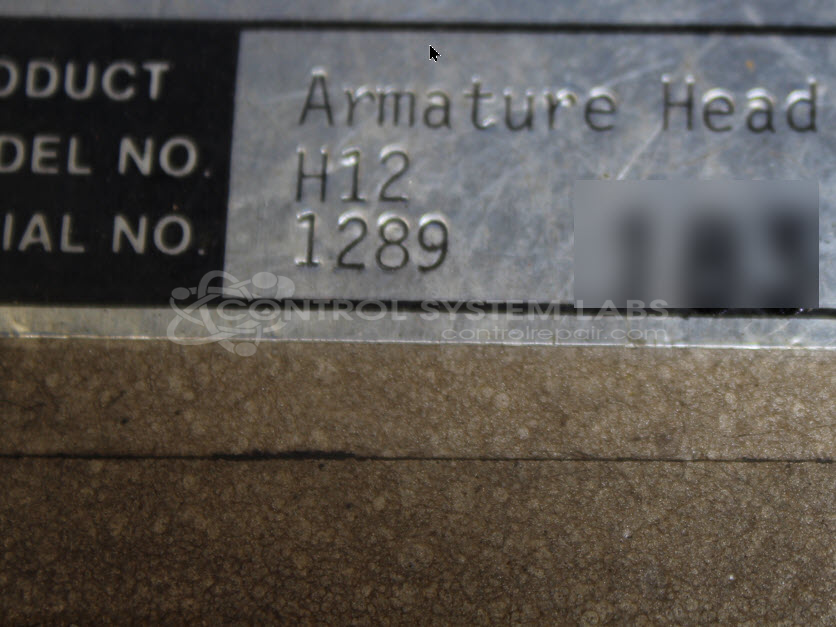
Manufacturer Part Number: H12
Series: Motor Analysis System
Requires that the M117 and H12 units be sent in together.
Common Failures
Known symptoms of failure include loose or broken wiring within the device, resulting in poor connectivity and operational issues in both automatic and manual modes.
Repair Approach
Repairs typically involve restoring mechanical integrity by securing the internal wiring and fabricating new components to ensure reliable contact and structural support. This approach is intended to address the connectivity problem and restore functionality.
Testing & Quality
Comprehensive diagnostic testing is performed, including burn-in testing with load, to validate operation of the device in both automatic and manual modes. This process is designed to verify that repairs meet quality and performance standards.
Service and repair your broken Monolithic Industries part
We can repair your Monolithic Industries model H12 in our facility. Let our skilled technicians get your Monolithic Industries back in operation quickly.
Step 1 - Click the green 'Repair Now' button above to add the part and then complete the RMA.
Step 2 - The RMA form will be sent to you via email. Print the RMA form and put it in a box with the item(s) for repair.
Step 3 - Ship or mail the box to the address listed on the RMA.
Once the user has seen at least one product this snippet will be visible.