



Repair
Repair Price: $ 584.00
Purchase
CSL Part Number: 80532
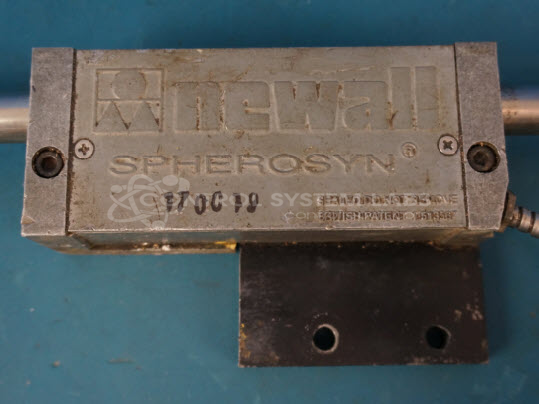
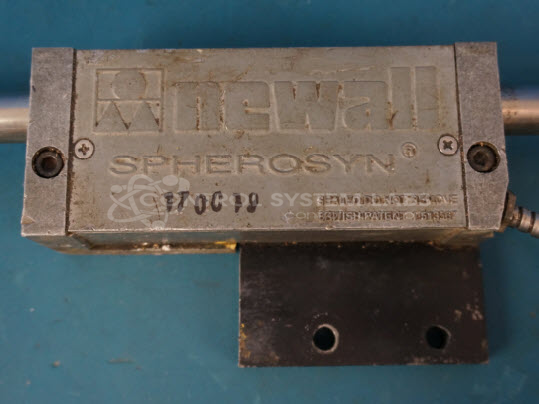
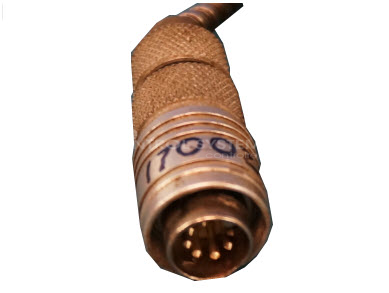
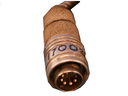
Product Overview: The Newall Spherosyn is a sealed, potted linear encoder transducer with a 0.6 inch diameter body and 7-pin round connector. It measures linear position by generating incremental counts as the sensing head moves along a machine axis. Commonly used with Newall digital readout (DRO) systems on milling machines, lathes, and other precision machine tools. The device operates in both absolute (ABS) and incremental (INC) modes. Its potted construction limits internal repair options, with most service focused on connector maintenance and calibration verification.
Category: Encoders / Tachometers / Resolvers
Manufacturer: Newall Electronics
Manufacturer Part Number: Spherosyn
Common Failures
Common issues reported with the Newall Spherosyn Linear Encoder Transducer include display readings that do not update as the machine moves in absolute (ABS) mode, but function correctly in incremental (INC) mode. Typical causes include connector damage, such as the metal sheath pulling loose, and corrosion at connection points.
Repair Approach
Repairs typically involve cleaning and securing connectors to restore proper function. When corrosion is present, affected areas are cleaned thoroughly. Additional adjustments and maintenance may be performed as needed to support reliable operation.
Testing & Quality
Following repair, units are tested to verify incremental counts, stability during burn-in testing, and linear operation. Units are returned after passing the required testing phases.
Service and repair your broken Newall Electronics part
We can repair your Newall Electronics model Spherosyn in our facility. Let our skilled technicians get your Newall Electronics back in operation quickly.
Step 1 - Click the green 'Repair Now' button above to add the part and then complete the RMA.
Step 2 - The RMA form will be sent to you via email. Print the RMA form and put it in a box with the item(s) for repair.
Step 3 - Ship or mail the box to the address listed on the RMA.
Once the user has seen at least one product this snippet will be visible.