



Repair
Repair Price: $ 924.00
Purchase
CSL Part Number: 87220
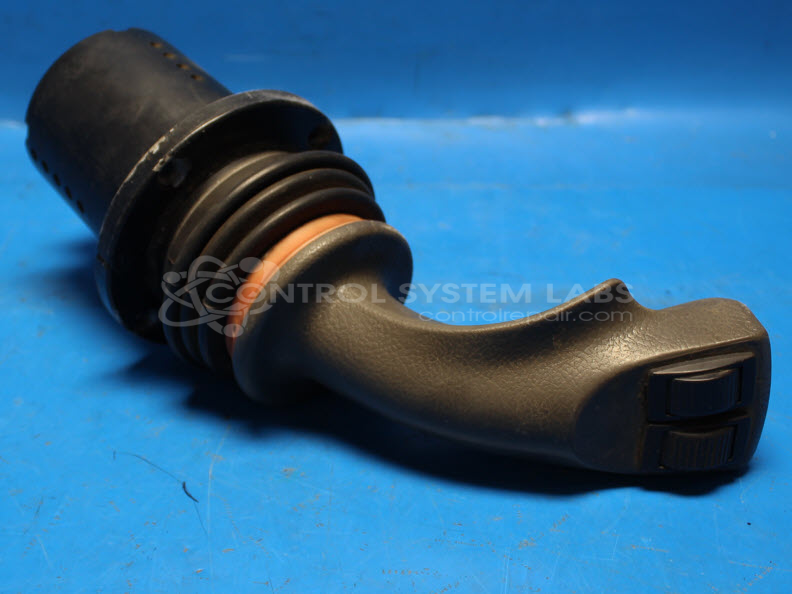
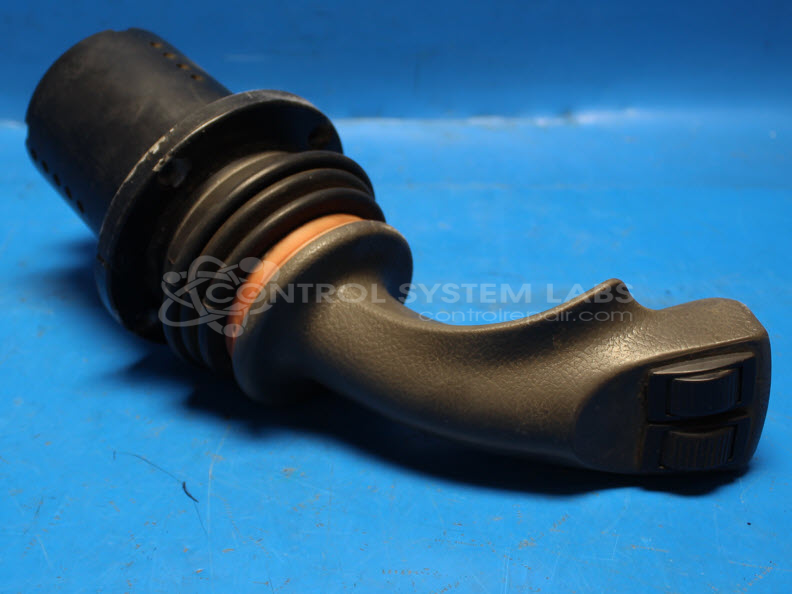
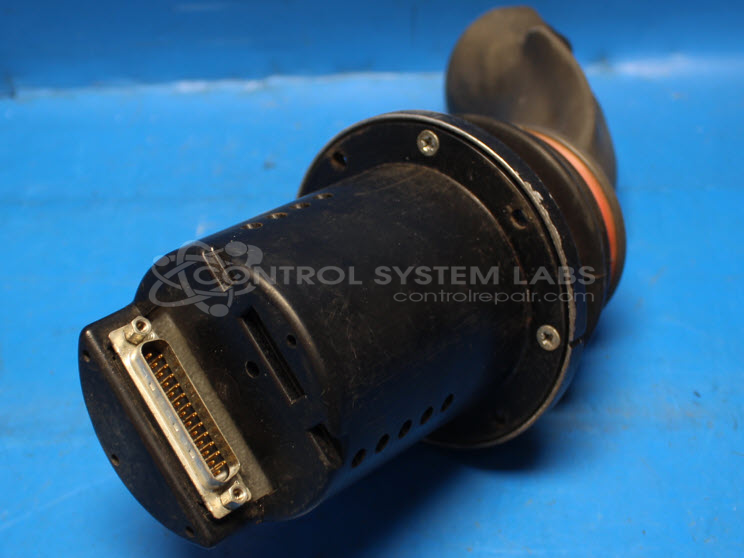
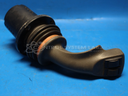
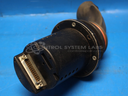
Product Overview: The Sauer-Danfoss 162F0591 is a multi-axis analog joystick controller used in Tiger Bengal side-cut mowers and similar industrial equipment. It features proportional sensors (Prof1 sensors) that control multiple hydraulic functions including boom extension, left/right movement, and thumb-operated roll switches. The unit communicates position and command signals through a 25-pin D-sub connector and operates as part of a CAN-bus control system. Common configurations include X-Y axis control plus additional proportional outputs for coordinated multi-cylinder operation.
Category: Joystick / Controller
Manufacturer: Sauer-Danfoss
Alternate Manufacturer Names: Sauer
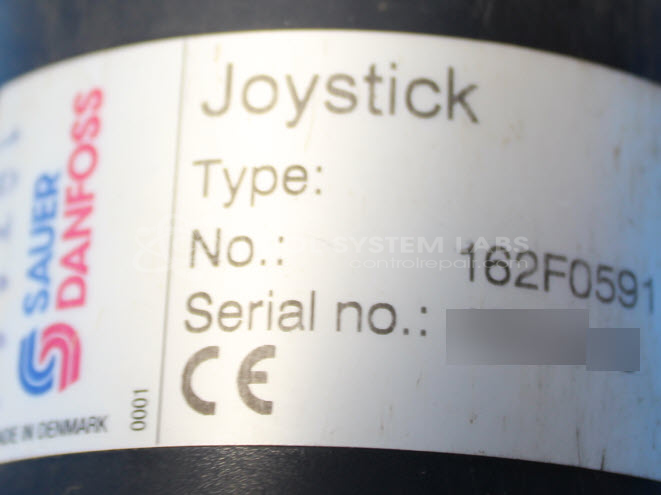
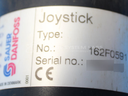
Manufacturer Part Number: 162F0591
Series: 162F Series Joystick
Also Known As(AKA): (AKA p/n 33691 Tiger Mower)
Other Synonyms: Sauer
Common Failures
Common issues reported include unresponsive controls, unexpected activation of controls such as the joystick extending without input, and malfunctioning thumb rollers. Additionally, some units have experienced shutdowns during certain operations or multiple functions ceasing during use.
Repair Approach
Repairs typically involve the replacement of defective sensors and case components where physical damage is present, including cracked sensors and casing. Resoldering connections and replacing damaged connectors are also common actions taken to restore functionality.
Testing & Quality
Repaired units undergo comprehensive testing procedures to verify that all controls, including left/right, up/down, and roll functions, are performing correctly. Units are subject to burn-in tests to identify any lingering issues. Thorough inspections and quality checks are performed to ensure operational standards are met.
Service and repair your broken Sauer-Danfoss part
We can repair your Sauer-Danfoss model 162F0591 in our facility. Let our skilled technicians get your Sauer-Danfoss back in operation quickly.
Step 1 - Click the green 'Repair Now' button above to add the part and then complete the RMA.
Step 2 - The RMA form will be sent to you via email. Print the RMA form and put it in a box with the item(s) for repair.
Step 3 - Ship or mail the box to the address listed on the RMA.
Once the user has seen at least one product this snippet will be visible.