



Repair
Call for price
Purchase
CSL Part Number: 86620
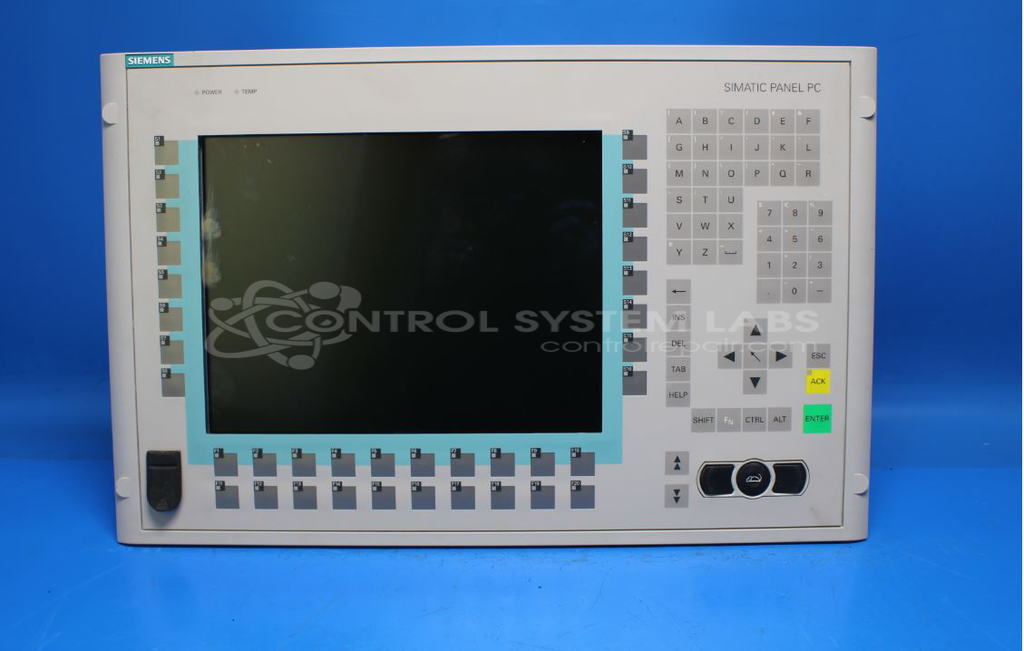
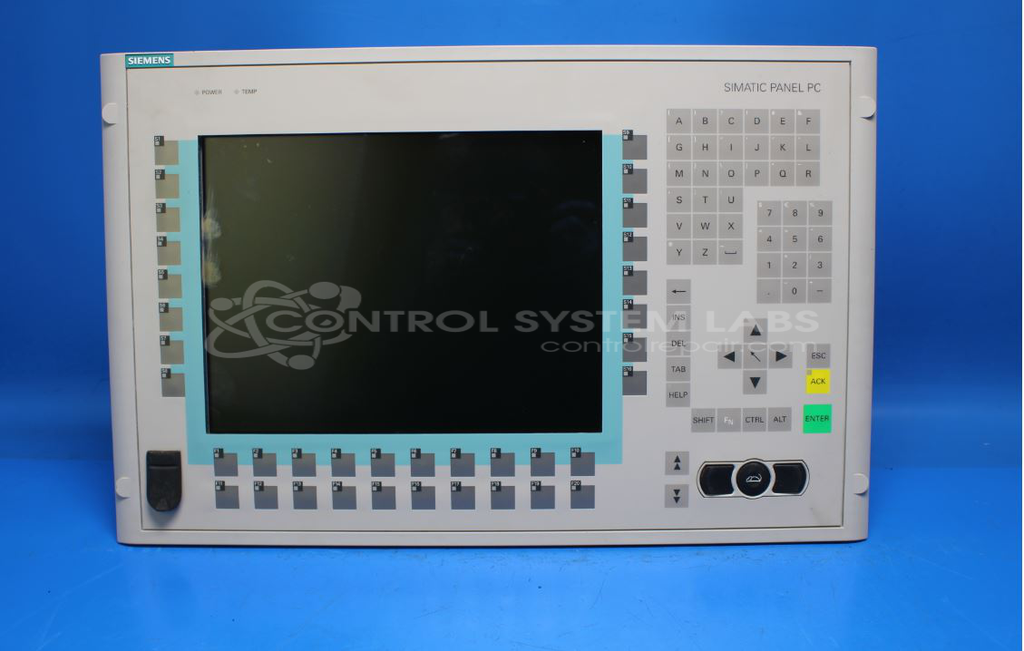
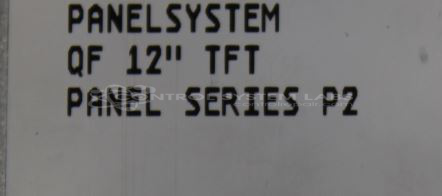
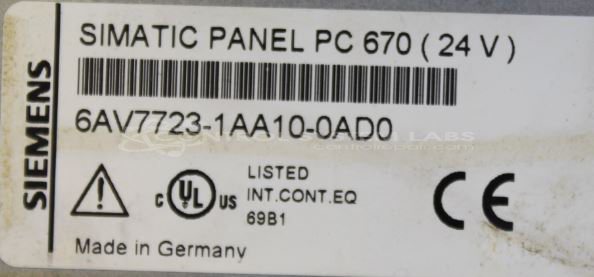
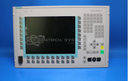
Product Overview: The Simatic Panel PC 670 is an industrial HMI (Human-Machine Interface) panel computer manufactured by Siemens. It combines a touch screen operator interface with integrated PC functionality for visualization and control applications. This unit is commonly used in manufacturing automation, process control systems, and machine monitoring where operators need direct interaction with equipment and process data. The 6AV7723-1AA10-0AD0 configuration features a built-in industrial PC with motherboard-level components including CMOS battery backup for BIOS settings retention during power interruptions.
Category: Operator Interface
Manufacturer: Siemens
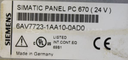
Manufacturer Part Number: 6AV7723-1AA10-0AD0
Series: 6AV7 Series Touch Screen
Common Failures
Units may experience a black screen following a power outage. This issue can be related to capacitors on the motherboard and the CMOS battery.
Repair Approach
Our technicians evaluate the unit and may replace capacitors and the CMOS battery as needed. The BIOS may be reset during the repair process.
Testing & Quality
Before repair, affected units may fail to boot or display properly. After repair, units are tested to verify that they boot to the operator screen and allow navigation to functions.
Service and repair your broken Siemens part
We can repair your Siemens model 6AV7723-1AA10-0AD0 in our facility. Let our skilled technicians get your Siemens back in operation quickly.
Step 1 - Click the green 'Repair Now' button above to add the part and then complete the RMA.
Step 2 - The RMA form will be sent to you via email. Print the RMA form and put it in a box with the item(s) for repair.
Step 3 - Ship or mail the box to the address listed on the RMA.
Once the user has seen at least one product this snippet will be visible.