



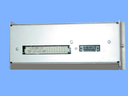
Repair
Repair Price: $ 1,108.00
Purchase
CSL Part Number: 70774
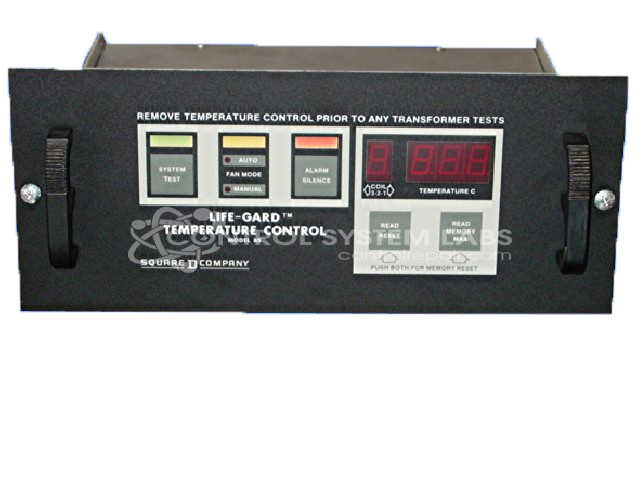
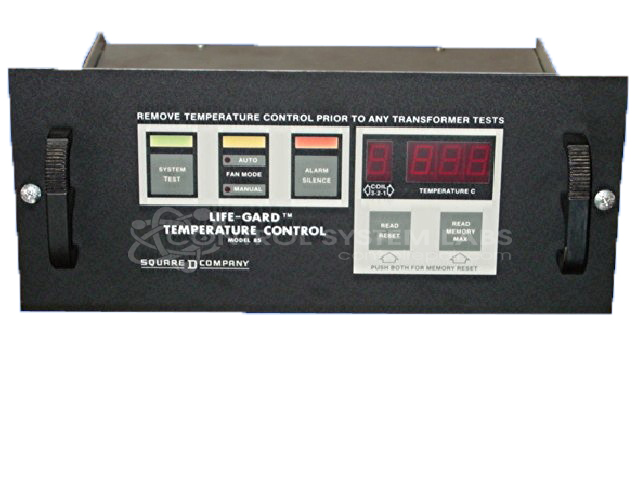
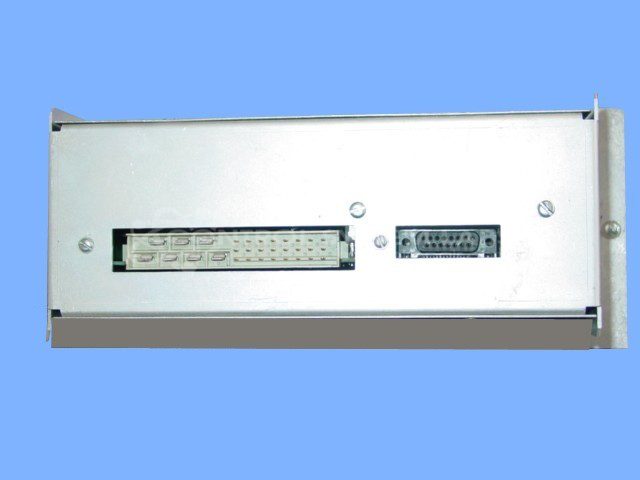
Product Overview: The Life-Gard Model 85 Transformer Temperature Controller is an automatic fan control system designed to protect power transformers from thermal damage. Manufactured by Square D (now Schneider Electric), it monitors transformer winding or oil temperature and activates cooling fans when preset temperature thresholds are exceeded. The H115 configuration indicates specific temperature setpoints and contact arrangements. This controller is commonly used in utility substations, industrial power distribution systems, and large commercial facilities with oil-filled or dry-type transformers requiring active thermal management.
Category: Temperature Control
Manufacturer: Square D
Alternate Manufacturer Names: Life-Guard, lifegard, Schneider Electric
Manufacturer Part Number: 85 / H115
Series: Model 85 Transformer Fan Control
Brand: Life-Gard
Other Synonyms: Life-Guard, lifegard, Schneider Electric
Why replace your Life-Gard Fan Control System? Repair it at 1/4 the cost!
Common Failures
Some units may experience recurring issues after repair. When this occurs, we recommend a thorough evaluation to identify any underlying causes that may not have been addressed previously. Please contact our team so we can review the unit and determine the appropriate next steps.
Service and repair your broken Square D part
We can repair your Square D model 85 / H115 in our facility. Let our skilled technicians get your Square D back in operation quickly.
Step 1 - Click the green 'Repair Now' button above to add the part and then complete the RMA.
Step 2 - The RMA form will be sent to you via email. Print the RMA form and put it in a box with the item(s) for repair.
Step 3 - Ship or mail the box to the address listed on the RMA.
Once the user has seen at least one product this snippet will be visible.