



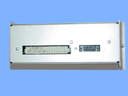
Repair
Repair Price: $ 1,164.00
Purchase
CSL Part Number: 25311
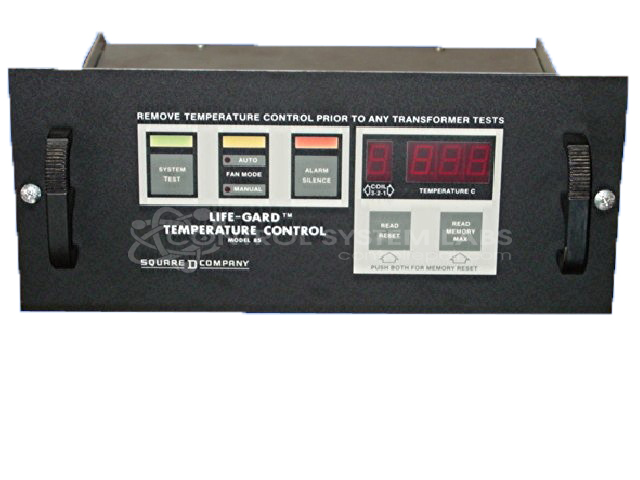
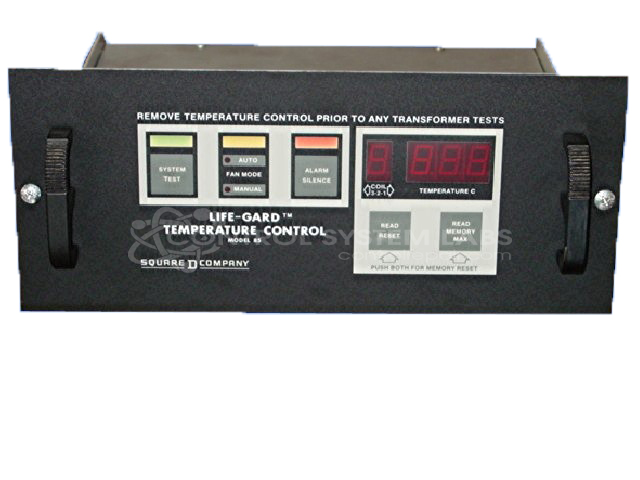
Product Overview: A transformer temperature controller that monitors winding temperature and automatically controls cooling fans and alarms to protect dry-type transformers. It uses a thermocouple probe with a digital 7-segment display showing temperature readings and supports configurable fan on/off, alarm, and emergency alarm setpoints.
Category: Temperature Control
Manufacturer: Square D
Alternate Manufacturer Names: Life-Guard, lifegard, Schneider Electric
Manufacturer Part Number: 85
Series: Model 85 Transformer Fan Control
Brand: Life-Gard
Other Synonyms: Life-Guard, lifegard, Schneider Electric
Why replace your Life-Gard Fan Control System? Repair it at 1/4 the cost!
Common Failures
Common reported issues include alarms sounding continuously, LED segments not lighting, and control problems. In some cases, these issues have been associated with capacitors, resistors, and configuration-related concerns. Problems have also been noted with control panels, such as flashing displays and difficulty resetting or silencing alarms.
Repair Approach
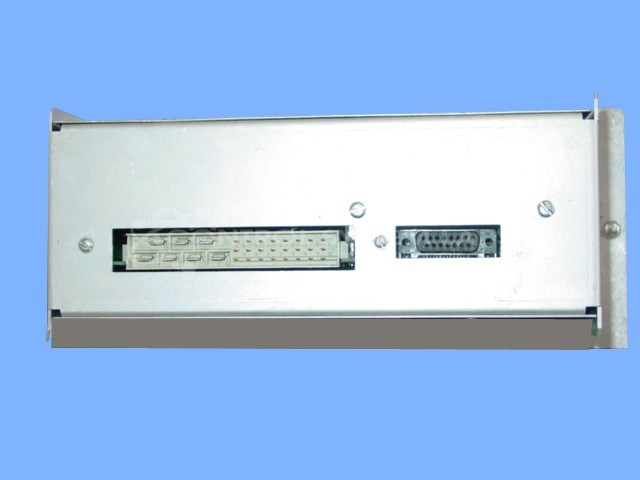
Repair solutions may involve cleaning components, replacing capacitors and resistors, reseating IC chips, and ensuring proper connections. Repairs may also address wiring configurations when applicable.
Testing & Quality
Following repair, units undergo testing procedures which may include calibration verification, operational checks, and extended burn-in periods. Additional inspection ensures functional integrity before units are returned.
Service and repair your broken Square D part
We can repair your Square D model 85 in our facility. Let our skilled technicians get your Square D back in operation quickly.
Step 1 - Click the green 'Repair Now' button above to add the part and then complete the RMA.
Step 2 - The RMA form will be sent to you via email. Print the RMA form and put it in a box with the item(s) for repair.
Step 3 - Ship or mail the box to the address listed on the RMA.
Once the user has seen at least one product this snippet will be visible.