





Repair
Call for price
Purchase
CSL Part Number: 102171
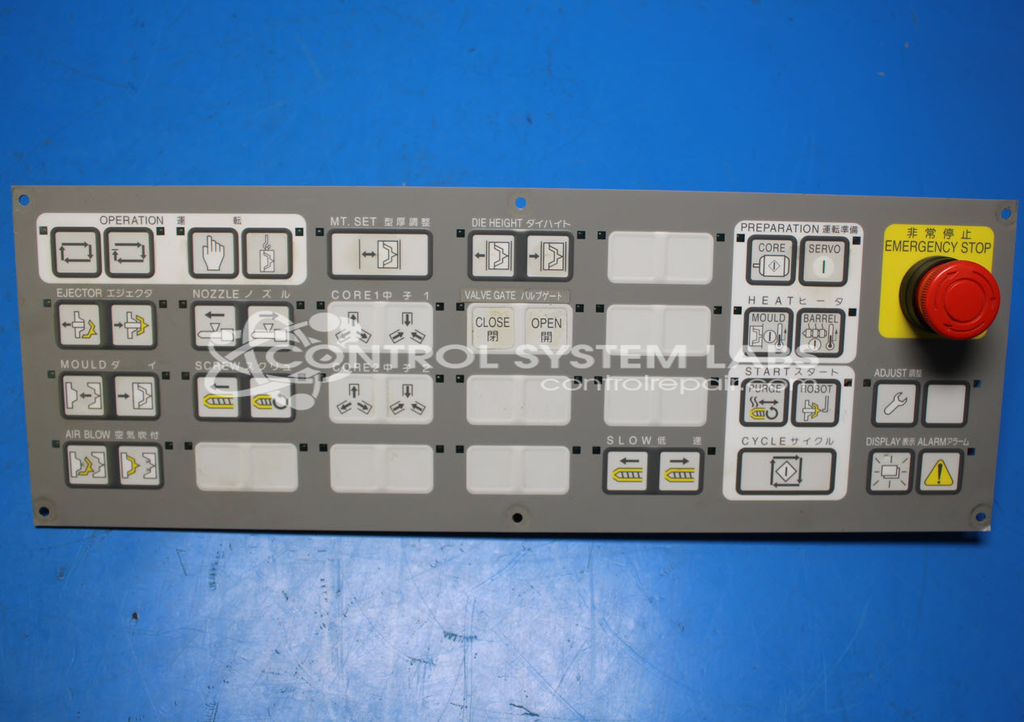
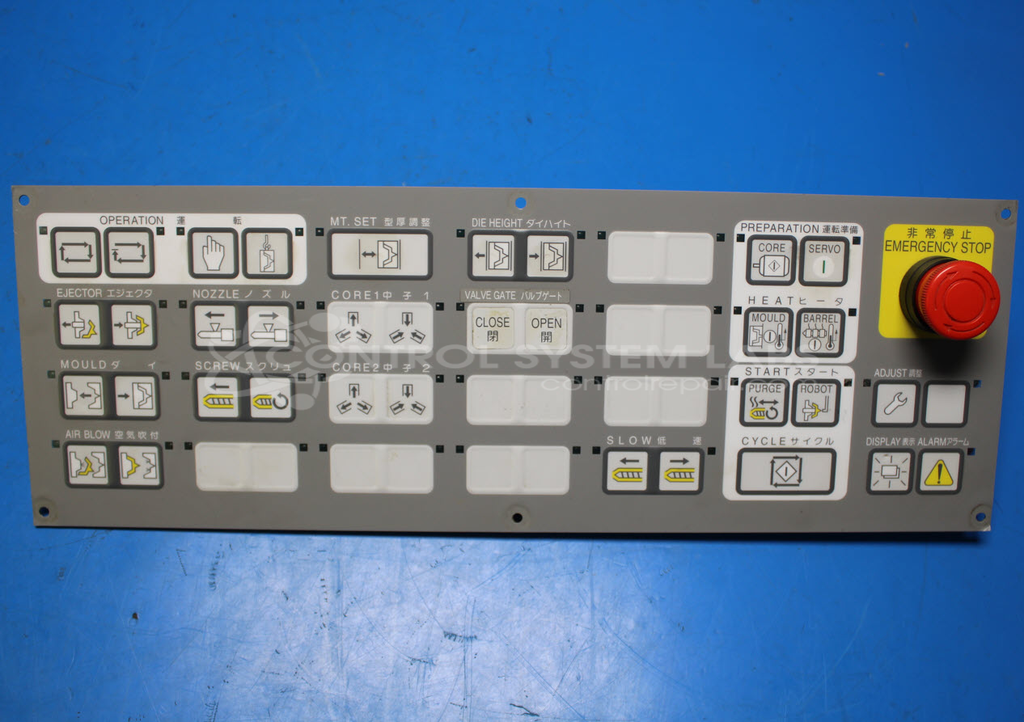
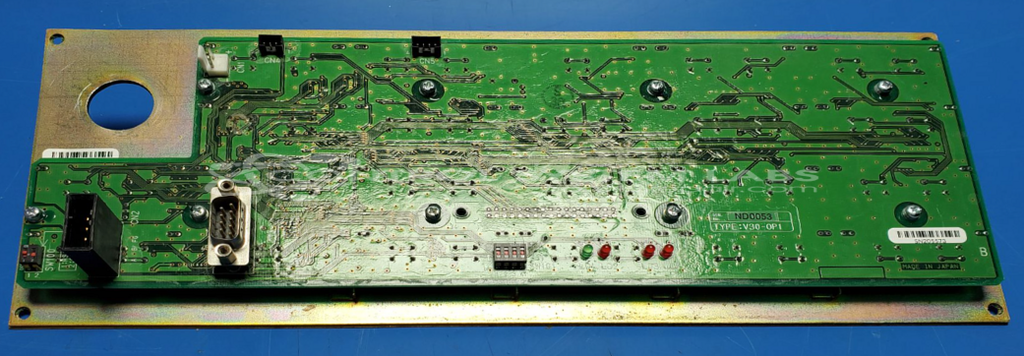
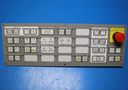
Product Overview: The V30 E-Stop Keypad Panel (V30-OP1) is an operator interface panel for Toshiba Machine INJECTVISOR injection molding machine control systems. It serves as the primary human-machine interface, providing tactile buttons for machine cycle control and emergency stop functions. The panel features a membrane overlay with underlying tactile switches (6 x 6 mm) and is commonly found on Toshiba/Shibaura injection molding machines such as the EC390NII model. It integrates with the V30 series controller architecture to enable operator command input and machine operation.
Category: Operator Interface
Manufacturer: Toshiba Machine
Manufacturer Synonyms: Shibaura Machine
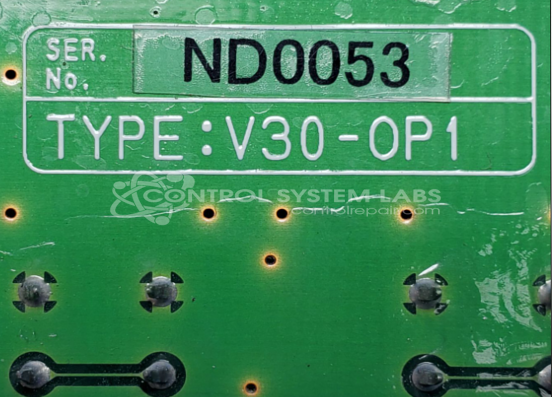
Manufacturer Part Number: V30-OP1
Series: INJECTVISOR Injection Machine Control
Common Failures
Common issues observed with this product include operator panel concerns, particularly affecting the cycle button and overlay. Symptoms may include a non-responsive cycle button or a cracked or damaged overlay.
Repair Approach
Repairs typically involve replacing the affected cycle button and overlay. Additional measures, such as fitting fish paper behind the overlay, may be performed to support long-term durability. Where appropriate, we may present options regarding component replacement or repair during the quotation process.
Testing & Quality
Following repairs, units are tested to verify functionality. Testing includes powering up the unit and confirming that all buttons operate as expected. Quality checks are performed to support reliability and performance. Repairs are reviewed by technicians as part of our quality control process.
Repair your broken Toshiba Machine part
We can repair your Toshiba Machine model V30-OP1 .
Please note: our repair turnaround time may be longer than our standard lead times for this item.
Step 1 -
Click the green button above, "Repair Now," and add to your RMA.
Step 2 -
Print the RMA form that is emailed to you, and put it in a box with the parts for repair.
Step 3 -
Mail the box to the address on the RMA.
You will be sent an authorization for repair via email. Your approval is needed before any work is started.
Once the user has seen at least one product this snippet will be visible.