



Repair
Repair Price: $ 2,552.00
Purchase
CSL Part Number: 108344
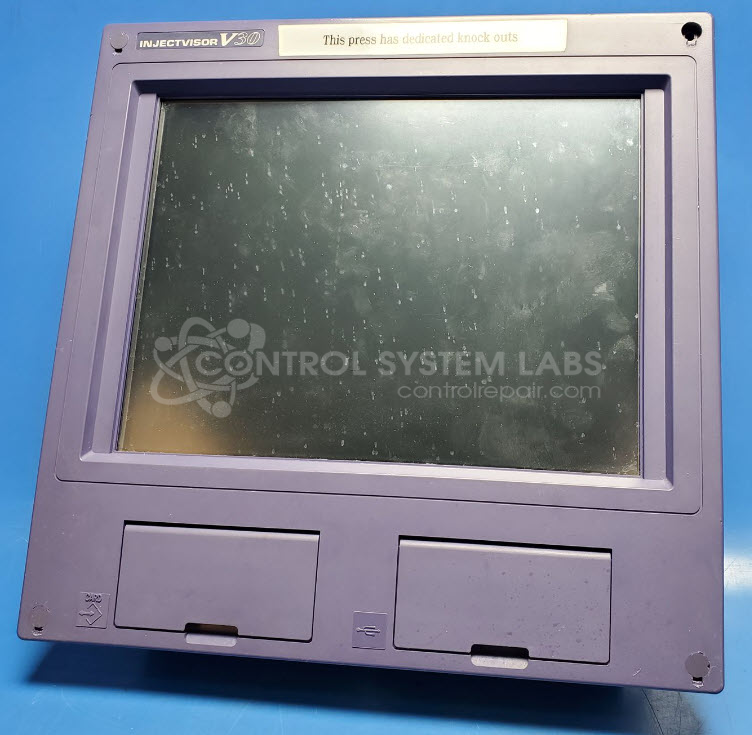
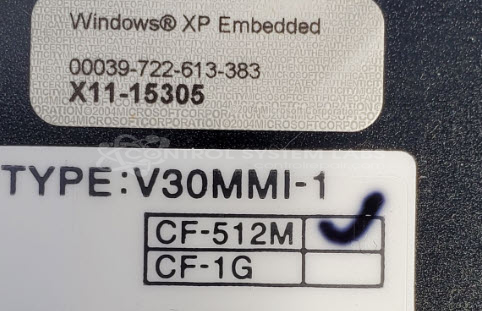
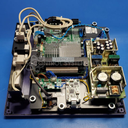
Product Overview: The Injectvisor V30 is an operator control panel for Toshiba Machine plastic injection molding equipment. It integrates a touchscreen display, embedded Windows XP operating system, and machine control interface to monitor and adjust injection molding parameters such as temperature, pressure, and cycle times. The V30MMI-1 configuration combines the human-machine interface with real-time process control, allowing operators to program recipes, view production data, and troubleshoot machine operations from a single panel mounted on the injection molding press.
Category: Operator & Control Panels
Manufacturer: Toshiba Machine
Manufacturer Synonyms: Shibaura Machine
Manufacturer Part Number: V30MMI-1
Series: INJECTVISOR Injection Machine Control
Touch Screen and LCD repairs to be quoted after evaluation. For touchscreen calibration that must be done while connected to the PLC in the machine, we can not do that here.
Common Failures
Common issues reported include water damage affecting control panel operation and touchscreen calibration concerns. Other noted problems involve non-functional displays, missing components, and incomplete connections.
Repair Approach
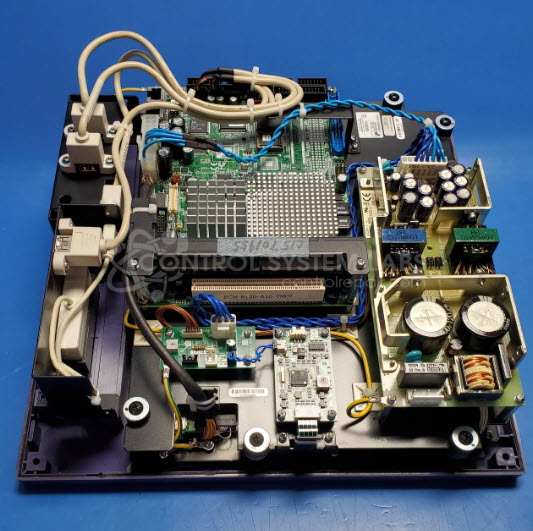
Water damage typically requires control panel replacement. Units received as parts sources may present additional challenges, such as missing hardware and damaged connectors. Touchscreen and mainboard issues require evaluation and diagnostics. Repair options depend on parts availability and the results of our technical assessment.
Testing & Quality
Units undergo diagnostic testing, including BIOS and application checks, along with calibration verification where applicable. Successful repairs include functional component testing and burn-in procedures. Some units may be identified during evaluation as Beyond Economic Repair due to the extent of damage or failure.
Limited Repair
The Toshiba Machine part number is only available as a limited repair at our facility. Repairs to this item may be limited due to several reasons:
- Availability of parts
- Less than 100% test ability due to required support equipment
To have us attempt a repair on your Toshiba Machine part follow these steps:
Step 1 -
Click the Repair Now button above to add the part and complete the RMA form.
Step 2 -
Print the RMA form that is sent to your email, and put it in the box with the parts for repair.
Step 3 -
Mail the box to the address on the RMA.
After we receive your item, we will perform an inspection and an authorization to repair will be sent for your approval. Work will begin after your authorization is received.
Once the user has seen at least one product this snippet will be visible.