




Repair
Repair Price: $ 644.00
Purchase
CSL Part Number: 59586
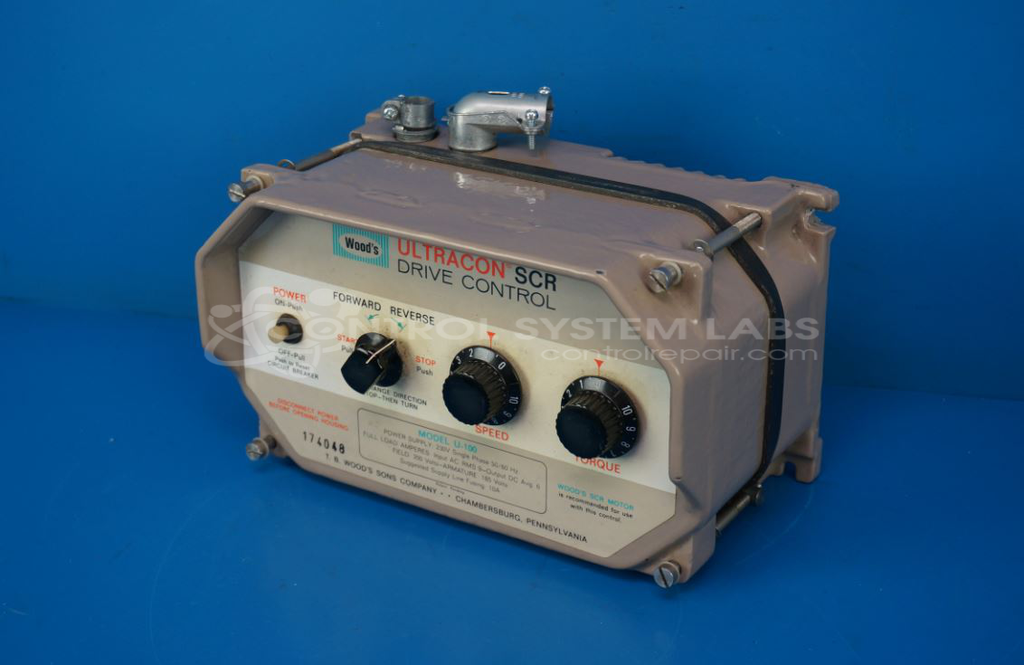
Product Overview: An SCR-based DC motor control that regulates speed and direction of shunt-wound DC motors by supplying controlled armature (A1, A2) and field (F1, F2) power. Rated for approximately 2 HP motors, with forward and reverse operation. Used in industrial drive and paper machinery applications.
Category: DC Motor Controls
Manufacturer: Woods
Manufacturer Synonyms: FUJI, TB Woods, T.B.Woods, Wood's
Manufacturer Part Number: U100
Series: ULTRACON SCR Control
Common Failures
Common issues reported with these units include a lack of power to the outgoing armature leads (A1, A2). In some cases, units stored for an extended period exhibited these issues upon initial use. Another common symptom included no increase in brightness of bulbs when following the manufacturer's testing procedure, indicating a lack of outgoing amperage on certain terminals.
Repair Approach
Repairs typically involve verifying the reported issues, replacing faulty components such as resistors that may have become disconnected internally, and ensuring all electrical connections are functioning correctly. After replacing necessary components, the units are tested to confirm operational capacity.
Testing & Quality
Upon completion of repairs, each unit is subjected to a testing process. This includes running the unit for extended periods, verifying the functionality of directional switches, and confirming proper amperage output on all relevant terminals.
Service and repair your broken Woods part
We can repair your Woods model U100 in our facility. Let our skilled technicians get your Woods back in operation quickly.
Step 1 - Click the green 'Repair Now' button above to add the part and then complete the RMA.
Step 2 - The RMA form will be sent to you via email. Print the RMA form and put it in a box with the item(s) for repair.
Step 3 - Ship or mail the box to the address listed on the RMA.
Once the user has seen at least one product this snippet will be visible.