



Repair
Repair Price: $ 3,994.00
Purchase
CSL Part Number: 80092
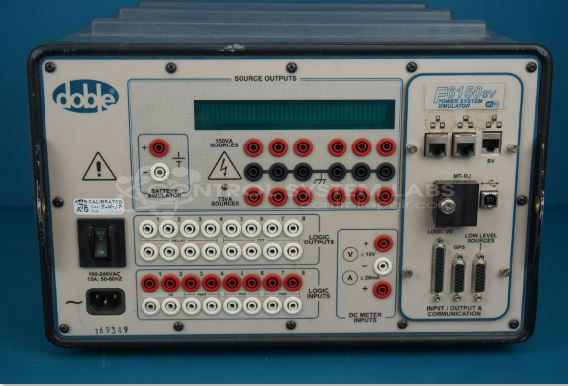
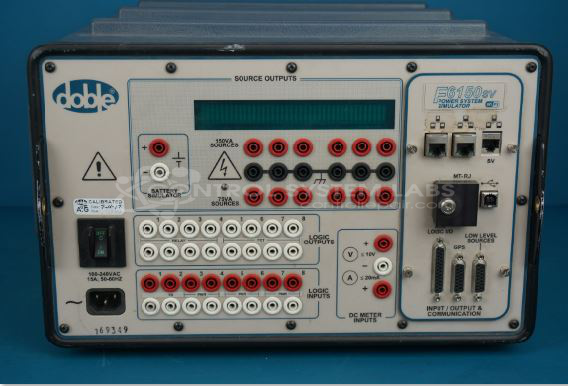
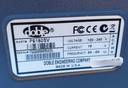
Product Overview: The Doble F6150SV is a power system simulator used primarily for protective relay testing in electrical utilities and industrial power applications. It generates precise voltage and current waveforms to simulate fault conditions and verify relay operation, calibration, and coordination. The unit features microprocessor control with VFD display and modular I/O cards for configurable test outputs. It supports various test scenarios including overcurrent, distance, differential, and directional relay testing. Common end equipment includes substation protective relays, circuit breakers, and power distribution control systems.
Category: Test Equipment
Manufacturer: Doble Engineering
Alternate Manufacturer Names: ESCO Technologies Company
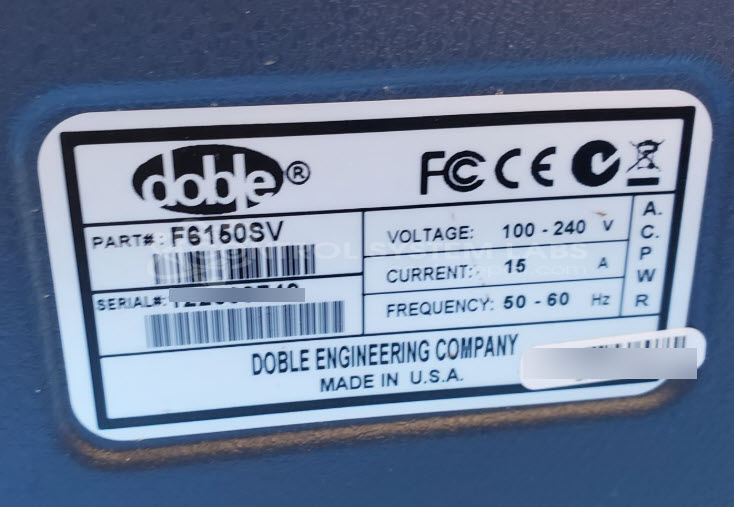
Manufacturer Part Number: F6150SV
Other Synonyms: ESCO Technologies Company
Protective Relay Test Equipment
Common Failures
Units may experience power issues such as tripping off at startup or intermittent operation where the screen goes blank unexpectedly. One observed issue involves the toroidal transformer shorting to the chassis due to physical damage.
Repair Approach
Repairs may involve replacing defective components such as MOSFETs, power Schottky rectifiers, and capacitors. Remounting the toroidal coil and reflowing solder on logic chips may be necessary. In some cases, replacing buffers and other logic components can address display issues, particularly where solder joints are compromised or components are defective.
Testing & Quality
Repaired units undergo testing to verify functionality, including power-on tests and burn-in tests. Testing verifies the repair work and the unit's operational performance.
Repair your broken Doble Engineering part
We can repair your Doble Engineering model F6150SV .
Please note: our repair turnaround time may be longer than our standard lead times for this item.
Step 1 -
Click the green button above, "Repair Now," and add to your RMA.
Step 2 -
Print the RMA form that is emailed to you, and put it in a box with the parts for repair.
Step 3 -
Mail the box to the address on the RMA.
You will be sent an authorization for repair via email. Your approval is needed before any work is started.
Once the user has seen at least one product this snippet will be visible.